
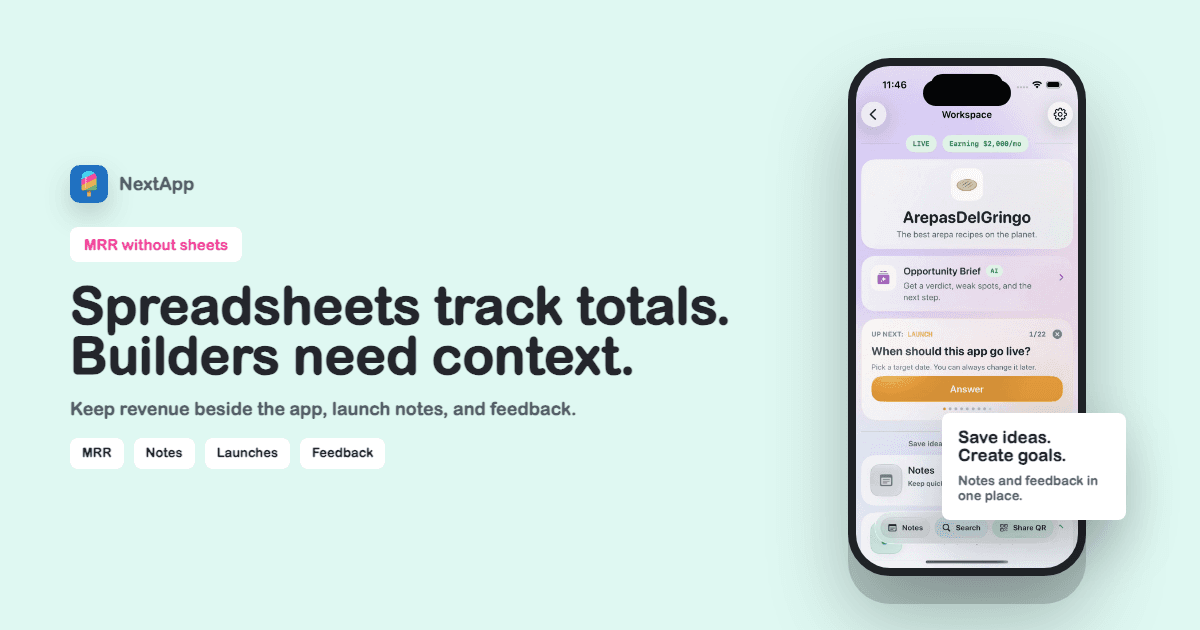
You can track MRR in a spreadsheet. Many people should. But for solo makers, the spreadsheet usually misses the part that matters: why the number changed and what you will do next.
A better setup keeps revenue close to the app record. The money, launch notes, pricing experiments, and feedback stay in the same place.
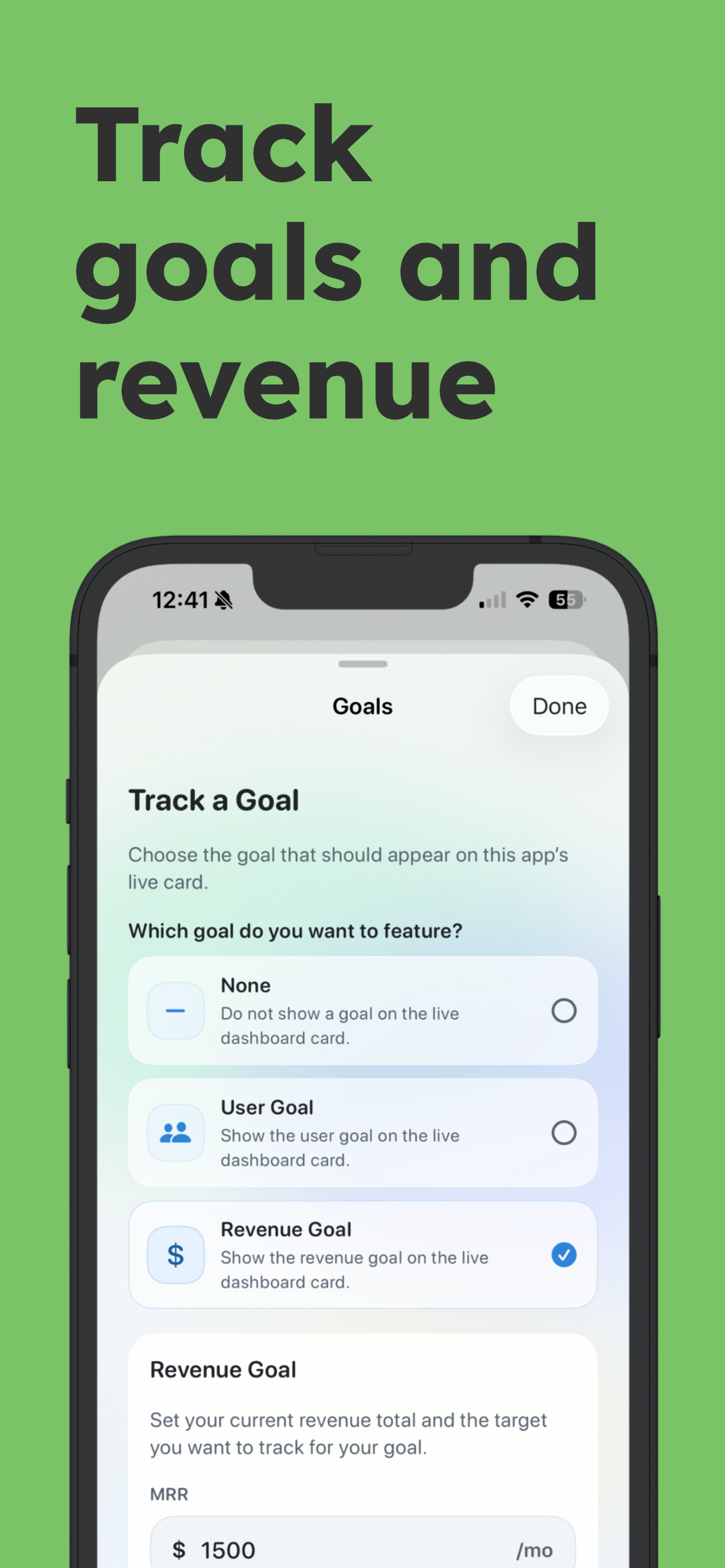
The number is easier to use when it sits beside the app, goal, and notes that explain it.
Spreadsheets are good at totals
A spreadsheet is fine for math. It is weaker for product memory. It rarely captures the launch thread, the user quote, the onboarding change, or the app status that explains the revenue.
Put revenue in the product workspace
When revenue sits on the app record, you can review MRR with the product context. That makes weekly decisions faster and less emotional.
Keep payment systems as the source of truth
Your tracker does not need to replace Stripe or RevenueCat. Use those for transactions. Use the app workspace for goals, notes, and public proof.
Make sharing a switch, not a second system
If you decide to share revenue publicly, the same app-level context should power the public maker page. No duplicate spreadsheet screenshot required.
Spreadsheet-free MRR checklist
- Payment processor remains the transaction source.
- App-level MRR is tracked beside goals.
- Launch and pricing notes explain changes.
- Weekly review uses revenue plus feedback.
- Public MRR display can be enabled intentionally.
Keep going with app idea spreadsheet template, MRR tracker for solo founders, MRR tracker tools guide.