
Lovable makes it easy to turn a plain-language prompt into a working web app. That speed is useful, but it changes the problem. The bottleneck is no longer getting the first screen. The bottleneck is choosing a Lovable app idea that is specific enough to test, then keeping the link, feedback, prompt history, and next decision organized after the first build exists.
The best Lovable app ideas are not huge platforms. They are narrow workflows with a clear first user, a small first version, and a reason someone would react when you share the link.
Pick ideas with one obvious workflow
A good Lovable prompt should have a main job the app can complete. Instead of asking for a complete business operating system, start with one workflow: book an appointment, collect customer feedback, compare project ideas, generate a quote, track client requests, or publish a tiny directory. Lovable can generate more coherent apps when the first version has a clear shape.
- A booking page for one type of service business
- A client request tracker for a solo freelancer
- A customer feedback portal for one product
- A launch checklist for a single app release
- A lightweight CRM for one niche audience
- A public tracker for your own vibe-coded projects
Score the idea before prompting
Before opening Lovable, give the idea a quick score. Can you name the first user? Can you explain the app in one sentence? Can a first version be tested in a weekend? Do you know where feedback will come from? Would one clear signal tell you whether to keep going?
If the answer is no, save the idea but keep it in research. Vibe coding makes it cheap to build weak ideas, and polished weak ideas are harder to archive than rough notes.
Save the original prompt
The first prompt matters because it captures what you thought the app should be before the generated version started influencing the plan. Save the prompt, the Lovable project link, and the live URL next to the idea. If the app changes direction later, you will still know what the first test was supposed to prove.
Track feedback outside Lovable
Lovable is where the app gets generated and refined. Feedback often arrives somewhere else: X replies, Discord, email, customer chats, Reddit, or a friend's text. Put feedback on the app record, not in a random note. The next prompt should be based on patterns, not scattered reactions.
- What did the tester try to do?
- Where did they get confused?
- What feature did they ask for?
- Did the feedback change the app goal?
- Is the next decision to fix, test, publish, pause, or archive?
Use statuses to avoid fake momentum
Lovable can create many almost-apps quickly. Use simple statuses so your workspace stays honest: Idea, Prototype, Testing, Live, Paused, and Archived. A prototype with no feedback path should not sit beside a live app with users as if they deserve equal attention.
Publish only the apps that are ready
Some Lovable builds are private experiments. Some become useful tools. Publish the ones with a clear promise, a working link, a status you are comfortable showing, and a goal that explains what progress means. A public maker page works best when it shows the apps you want people to try or remember.
Where NextApp fits
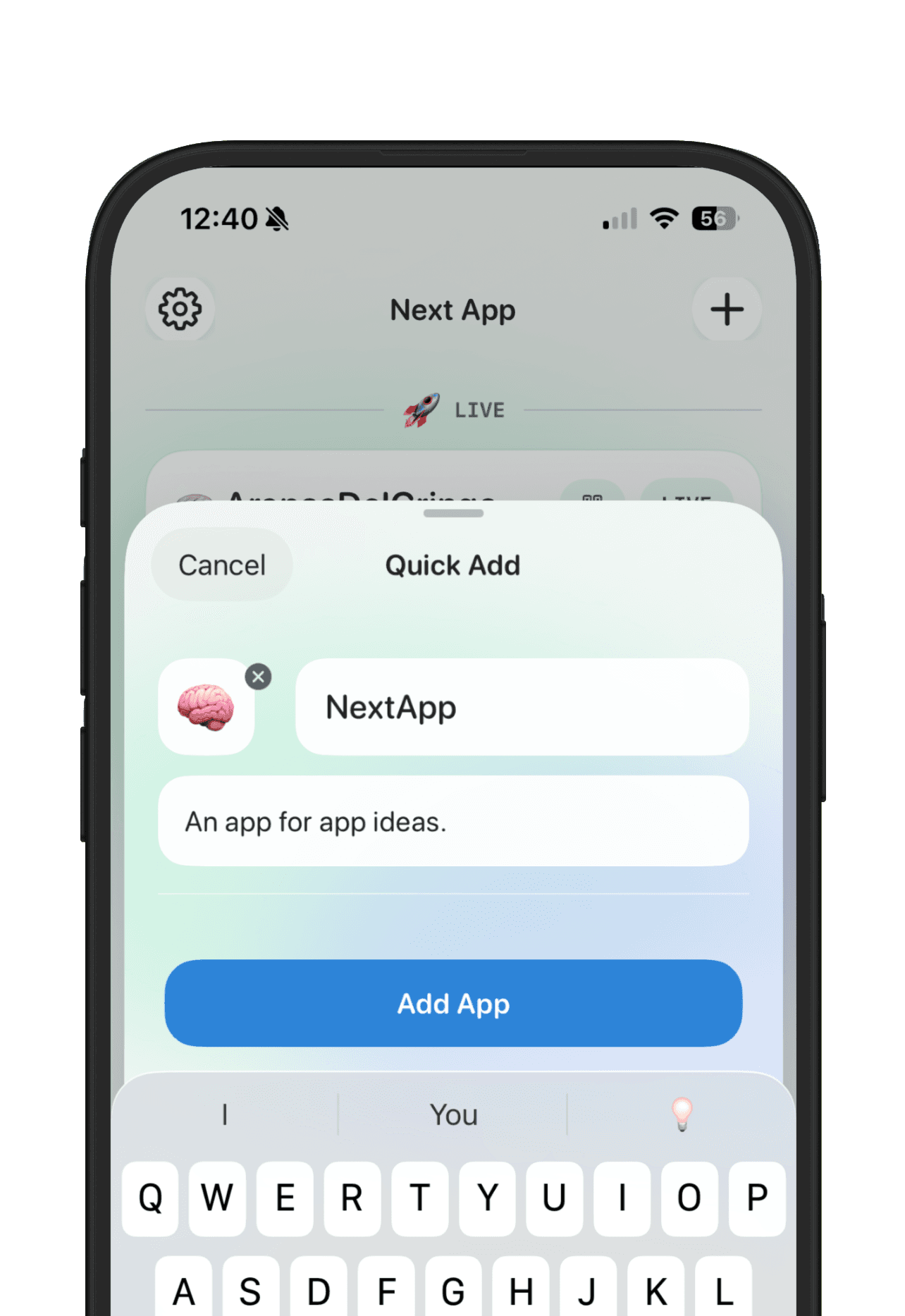
Use Lovable to build the app. Use NextApp to keep the product memory outside the builder: the original promise, the current link, the feedback, the goal, and the public story if the app is ready to show. That separation keeps Lovable focused on generation while NextApp keeps your app portfolio understandable.
The healthiest workflow is simple: save the Lovable app idea, build the smallest version, collect feedback, set one next decision, and archive the ideas that only looked exciting because they were easy to generate.