
AI app builders changed the hard part of starting. Lovable, Replit Agent, Bolt, v0, Base44, Cursor, Claude Code, and similar tools can turn a plain-language idea into a working prototype quickly. The new problem is choosing which ideas deserve that speed.
A good vibe-coding idea is not just an app you can generate. It is an app small enough to test, specific enough to explain, and useful enough that feedback will tell you what to do next. Before opening another builder tab, save the idea in a way that makes comparison possible.
Start with problems that already happen
The strongest AI app ideas usually come from repeated annoyances: a manual spreadsheet, a client intake mess, a feedback loop that lives in DMs, a reporting task, a habit you keep forgetting, or a small workflow that is too specific for a generic SaaS tool. If the problem already happens without your app, you have something to observe.
Weak ideas often start with the tool instead of the user. A chat interface, dashboard, or agent sounds exciting, but it needs a concrete job. Write the user, the trigger, and the outcome before writing the prompt.
Pick ideas with a tiny first version
Vibe coding works best when the first version is narrow. A lightweight CRM for one niche, a support triage form, a launch checklist, a customer quote tracker, a lead follow-up board, or a small calculator is easier to test than a broad platform. The first version should prove one workflow, not the whole business.
If the idea needs payments, permissions, sensitive data, complex integrations, and a mobile app on day one, it may still be good, but it is not the fastest first test. Put those notes in the roadmap and keep the first prototype focused.
Score each idea before you build
- Pain: does a real person already feel this problem?
- Specificity: can you name the first user and use case?
- Prototype size: can the first version be tested in a weekend?
- Feedback path: do you know where to show it?
- Risk: does it avoid sensitive data and brittle integrations at first?
- Next signal: what result would make you keep going?
The score does not need to be perfect. It just keeps you from treating every idea as equally urgent. Builders who can generate apps quickly need a filter more than they need another blank prompt box.
Track the prompt, link, and decision
Once you choose an idea, save the first prompt, the generated link, the builder you used, and the decision you are trying to make. For example: test whether three indie makers want a public page for unfinished apps, or see whether a local service business will use a weekly lead tracker.
Without a decision, the prototype turns into endless prompting. With a decision, every edit has a purpose: make the workflow clearer, fix what blocked testing, or prepare the app for feedback.
Keep a graveyard for almost-good ideas
AI builders make it easy to create too many almost-good apps. Keep paused and archived ideas instead of deleting them. The idea may become useful later, but it should not compete with the few projects that have real evidence now.
Use NextApp as the tracker between idea and app
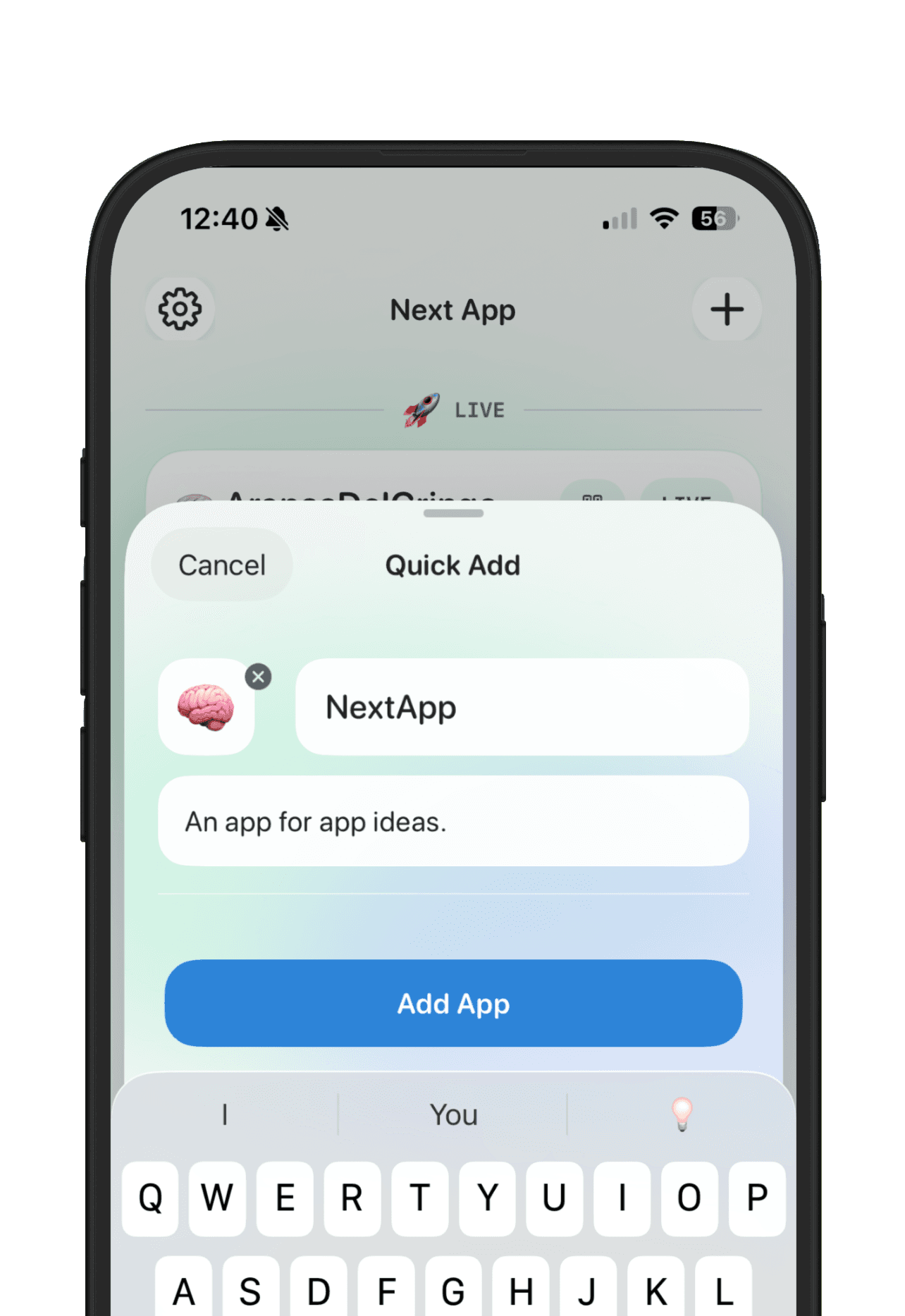
NextApp fits the space between a rough idea and a shipped product. Capture AI app ideas quickly, give promising ideas their own workspace, attach Lovable, Replit, Bolt, Cursor, v0, Base44, or Claude Code links, track feedback, set a goal, and publish the apps that are ready to show.
The point is not to slow down vibe coding. The point is to make the speed useful. When every app idea has context, evidence, status, and a next decision, the best projects become easier to find again.