
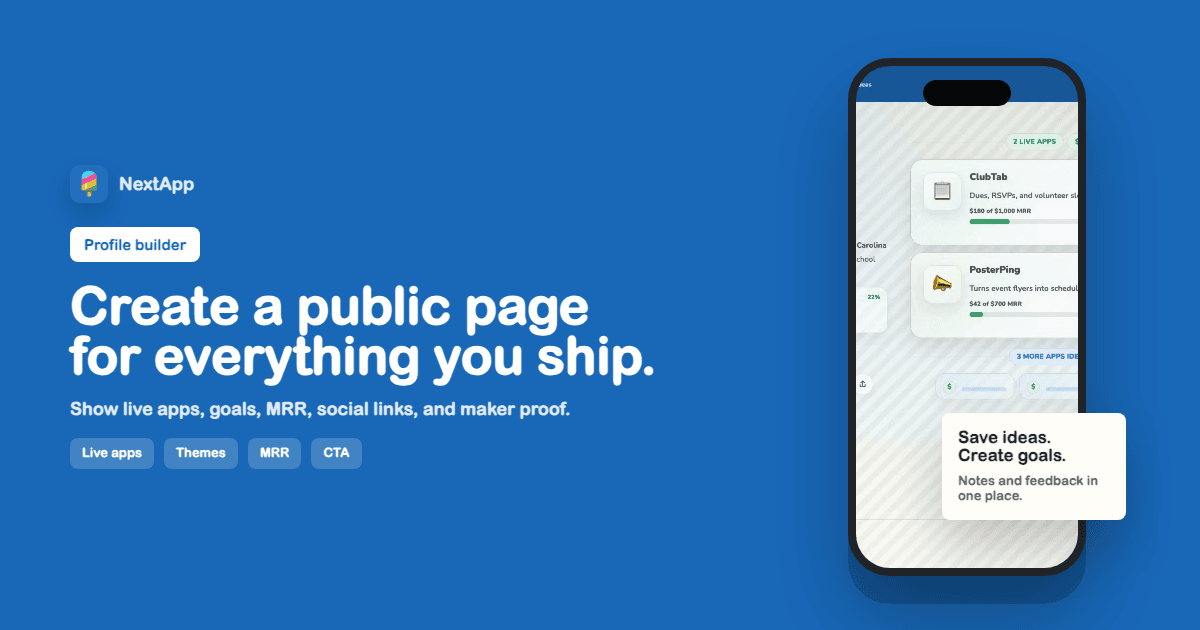
A maker profile builder is a focused public page for the work you are actively shipping. It is not a portfolio that waits until everything is polished. It is not a link-in-bio page that hides the product story behind a row of icons. A good maker profile gives visitors the fast version of who you are, what you have built, what is live, what is still forming, and what signal matters next.
For indie app builders, that matters because attention usually arrives in tiny windows: a launch post, a reply, a DM, a referral, a beta invite, a podcast mention, a community thread. When someone clicks your profile, they should not have to reconstruct your work from scattered links. The page should do the sorting for them.
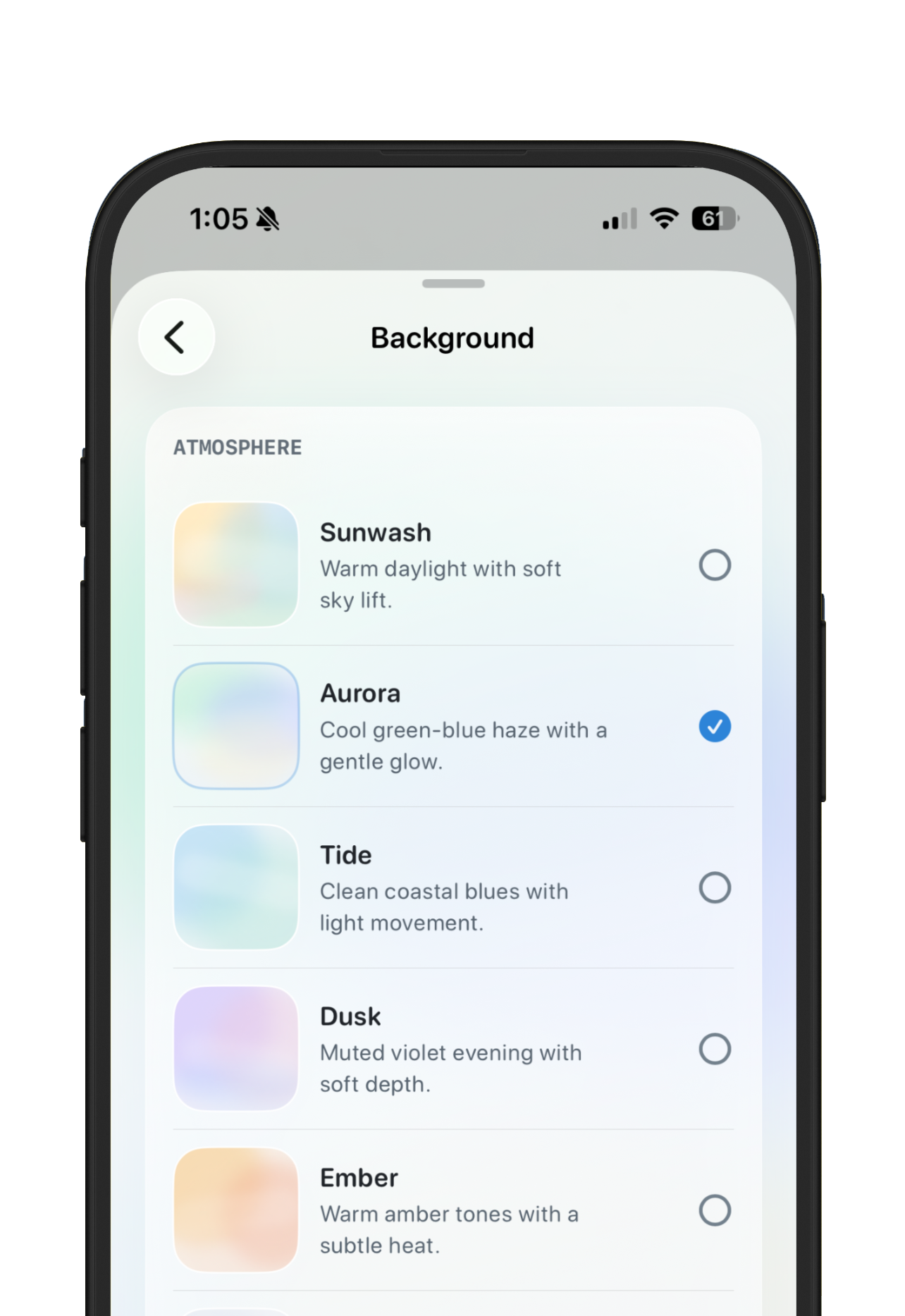
Screenshot: profile styling controls let makers choose a page theme, background, and accent without rebuilding a website.
What a maker profile builder should include
The minimum useful version has five parts: a short bio, live apps, optional MRR or goal progress, social links, and a primary action. The stronger version adds ideating projects, archived outcomes, app status pills, screenshots, QR sharing, and custom section titles so the page feels like the maker instead of a generic directory listing.
The order matters. Lead with identity, then proof. A visitor should understand the maker in a few seconds, then see the work. Live apps should make the promise, status, link, and meaningful signal easy to scan. Some builders show revenue. Some show users, waitlist size, beta progress, or launch milestones. The page should flex around the story instead of forcing every maker into the same mold.
How to use the NextApp profile builder
- Start with the Bio section: add a short one-sentence positioning line, location if useful, and the links you want people to trust.
- Add live apps first. Give each app a clear name, one-line promise, status, URL, and the goal or revenue signal that helps visitors understand traction.
- Use Ideating for projects you want to hint at without fully revealing. Stealth mode keeps the section visible while masking details until you are ready.
- Move older work into Archived instead of deleting it. Acquired, sunset, and retired projects create useful context for your builder history.
- Choose a Theme and Background that fit your tone, then let the Theme accent stay in sync unless you have a stronger brand color.
- Set one Primary action. A maker page should usually ask visitors to view an app, join a beta, book a call, or send an idea, not do all of those equally.
Why this is better than a generic link page
A generic link page says where to go. A maker profile explains why the links matter. The difference is huge: people can see what is live, what is growing, what you are exploring, and why the next click is worth their time. The page becomes a clear story instead of a pile of exits.
Use the profile builder alongside the MRR tracker guide when revenue is part of your story, and the build in public guide when you want the page to support ongoing public updates.
Profile builder checklist
- Public profile URL is short, readable, and publish-ready.
- Bio explains who you help and what you are building.
- Live apps have useful descriptions, links, statuses, and optional metrics.
- Revenue or goal data is accurate and intentionally public.
- Ideating and archived sections are either useful or hidden.
- Social links are deduped and limited to channels you actually use.
- Shared preview image, title, and description match the visible page.
The best maker profile does not try to look huge. It tries to be legible. If a visitor can answer who you are, what you shipped, what is growing, and what to click next, the builder is doing its job.