
Cursor is different from browser-first app builders. It is strongest when an app idea is ready for repo-level work: real code, existing files, tests, APIs, auth, bug fixes, and implementation details that need an AI coding agent rather than another static mockup. That makes Cursor powerful, but it also means weak ideas can turn into surprisingly serious engineering work before they have enough product signal.
The best Cursor app ideas are not just prompts that can generate files. They are product ideas with a clear user, a narrow first workflow, and enough evidence to justify deeper build time.
Pick ideas that need real code
Use Cursor when the idea needs an implementation pass, not just a concept screen. A good Cursor project usually has routes, state, data, edge cases, tests, refactors, integrations, or a codebase that already exists. If the idea only needs a landing page or first UI sketch, start with a lighter prototype and come back to Cursor when the product decision is clearer.
- A feedback dashboard connected to a real app database
- A billing or onboarding improvement inside an existing SaaS repo
- A small internal tool that needs auth, roles, and audit history
- A public directory with submit, review, and publish workflows
- A launch checklist app with saved progress and reminders
- A reporting view that turns product events into decisions
- A refactor that turns a prototype into a maintainable app
Write the product decision before the coding task
Before opening Cursor, write what the build session is supposed to decide. For example: can three testers submit feedback without help, can a paid onboarding flow be completed without support, or can a dashboard reveal the next product decision in under one minute. That decision is more important than the prompt.
Without a product decision, Cursor can help you make code better while the app idea stays fuzzy. With a decision, the AI-assisted work has a boundary: implement the smallest change that makes the next test possible.
Save the repo, branch, prompt, and test link
Cursor work spreads across chats, branches, local servers, preview deploys, and pull requests. Keep a durable record for each app idea so you can see where the build lives, what question it is answering, and what changed the product direction.
That record matters when the code changes direction. You should be able to return to the app weeks later and know why a feature was built, what feedback caused it, and whether the work moved the product forward.
Track feedback at the app level
Cursor is excellent for changing code. It is not where product memory should live. Feedback from users, QA, analytics, screenshots, support notes, and launch comments should attach to the app idea, not only to a code comment or chat transcript. The next coding prompt should be based on recurring evidence.
- Did the implemented workflow solve the tester's problem?
- Which bug or confusion blocked the main action?
- Did the change create a new build task or a product decision?
- What proof would make this worth shipping publicly?
- Should the app move to Building, Testing, Live, Paused, or Archived?
Do not turn every app idea into a repo
The biggest Cursor trap is treating code momentum as product momentum. A repo can feel serious even when the idea is still only a guess. Keep raw ideas, prototypes, active builds, live apps, paused apps, and archived apps in separate states so serious engineering time does not hide weak product signal.
Use Cursor when the next risk is implementation
A Cursor app idea is ready when the next risk is technical or operational: can this workflow be implemented cleanly, can it connect to the right data, can it survive tests, can it be deployed, or can an existing prototype become maintainable. If the next risk is still whether anyone understands or wants the idea, keep testing before committing to deeper code.
Where NextApp fits
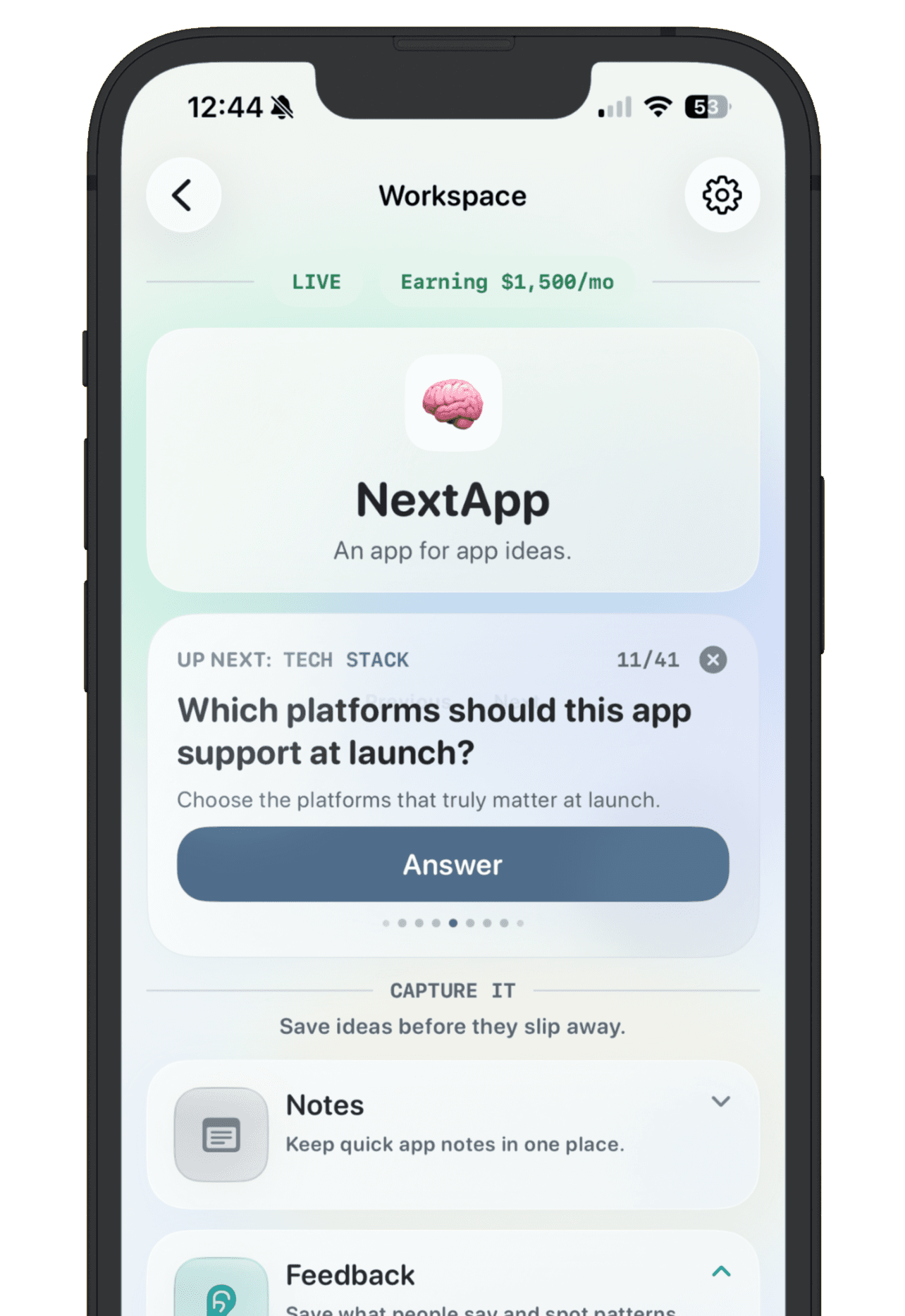
Use Cursor to write, refactor, test, and ship code. Use NextApp to keep the product memory beside that work: why the app exists, who it is for, where the current build lives, what feedback caused the change, and whether it is ready to share. That gives you one place to compare Cursor builds against Lovable, Bolt, Replit, v0, Base44, Claude Code, and other AI-built projects.
The useful workflow is simple: save the Cursor app idea, define the product decision, build the smallest implementation that can test it, record the feedback, and decide what deserves another engineering pass. The goal is not more AI-written code. The goal is clearer product progress.