
The best AI app builder depends less on the logo and more on the app idea job in front of you. Some ideas need a fast UI sketch. Some need a working full-stack prototype. Some need a deployed link for feedback. Some are already real enough to deserve repo-level coding, tests, and cleanup.
That is why choosing an AI app builder should start with the decision you are trying to make. If you choose the tool first, every idea starts to look like a prompt. If you choose the product question first, the builder becomes a way to test that question faster.
Use v0 when the first risk is interface clarity
v0 is useful when the app idea needs a clear interface before it needs a full product. Use it for dashboards, onboarding flows, pricing pages, admin panels, directories, and other surfaces where the first question is whether the user understands what the app does.
Track the original idea, generated v0 link, published URL, design decisions, and what testers understood or misunderstood. A good-looking screen is helpful, but it is not the same thing as validated demand.
Use Lovable or Bolt when you need a fast working prototype
Lovable and Bolt-style builders are a better fit when the app needs forms, flows, pages, state, and enough behavior for someone to click through a real workflow. They are useful for client portals, small CRMs, feedback boards, booking tools, launch checklists, and lightweight SaaS experiments.
The tracking risk is speed. It becomes easy to generate several almost-apps and forget which one had the clearest user, strongest feedback path, or most important next decision.
Use Replit Agent when deployment is part of the test
Replit Agent fits app ideas where a running project and deployed link matter. If the idea needs a database-backed test, a small workflow, or a shareable URL that can survive more than a mockup, Replit can be a good place to move from prompt to experiment.
Save both the source workspace and the live URL. A deployed prototype can feel finished before the product decision is finished, so keep the goal and feedback loop visible beside the link.
Use Base44 when the workflow and backend matter early
Base44 is useful for app ideas that need functional workflows quickly: submit, review, approve, filter, update, track, or collaborate. It can be a strong fit for operators and non-technical builders who want to test a useful internal or customer-facing workflow without assembling every backend piece first.
Track whether the generated app captured the right information, not just whether it looked complete. The question is whether the workflow created useful evidence.
Use Cursor when the idea deserves real engineering time
Cursor is strongest when an idea is ready for an existing codebase, repo-level work, tests, integrations, refactors, and production-quality changes. It is not usually the first stop for a vague idea. It is the place to go when the next risk is implementation.
For Cursor projects, track the repo, branch or PR, preview URL, original prompt, feedback that caused the change, and the product decision the code is supposed to unlock.
Use Claude Code or other coding agents when the work is multi-step
Coding agents are useful when the app idea has crossed from prototype into coordinated engineering work: multiple files, tests, migrations, scripts, build fixes, or repeated implementation passes. At that point, the risk is not only whether the tool can write code. The risk is whether you remember why the work matters.
Do not compare builders without tracking the apps
AI app builder comparisons often stop at speed, code export, backend support, pricing, and polish. Those matter, but they do not answer the founder question: which app idea is actually worth continuing? You need a record outside the builder for every serious experiment.
- Original app promise before the generated output changed the idea
- Builder used and why it was chosen
- Source project, repo, or workspace link
- Live or preview URL for testers
- Important prompts that changed the workflow
- Feedback, bugs, objections, and feature requests
- Current status: idea, prototype, testing, live, paused, or archived
- Next decision: test, fix, publish, rebuild, pause, or archive
Choose the builder by the next decision
If the next decision is whether the app makes sense visually, use a UI-first builder. If the next decision is whether the workflow works, use a full-stack builder. If the next decision is whether people can test a deployed app, use a cloud workspace. If the next decision is whether the implementation can become durable, use an AI coding tool inside a repo.
Where NextApp fits
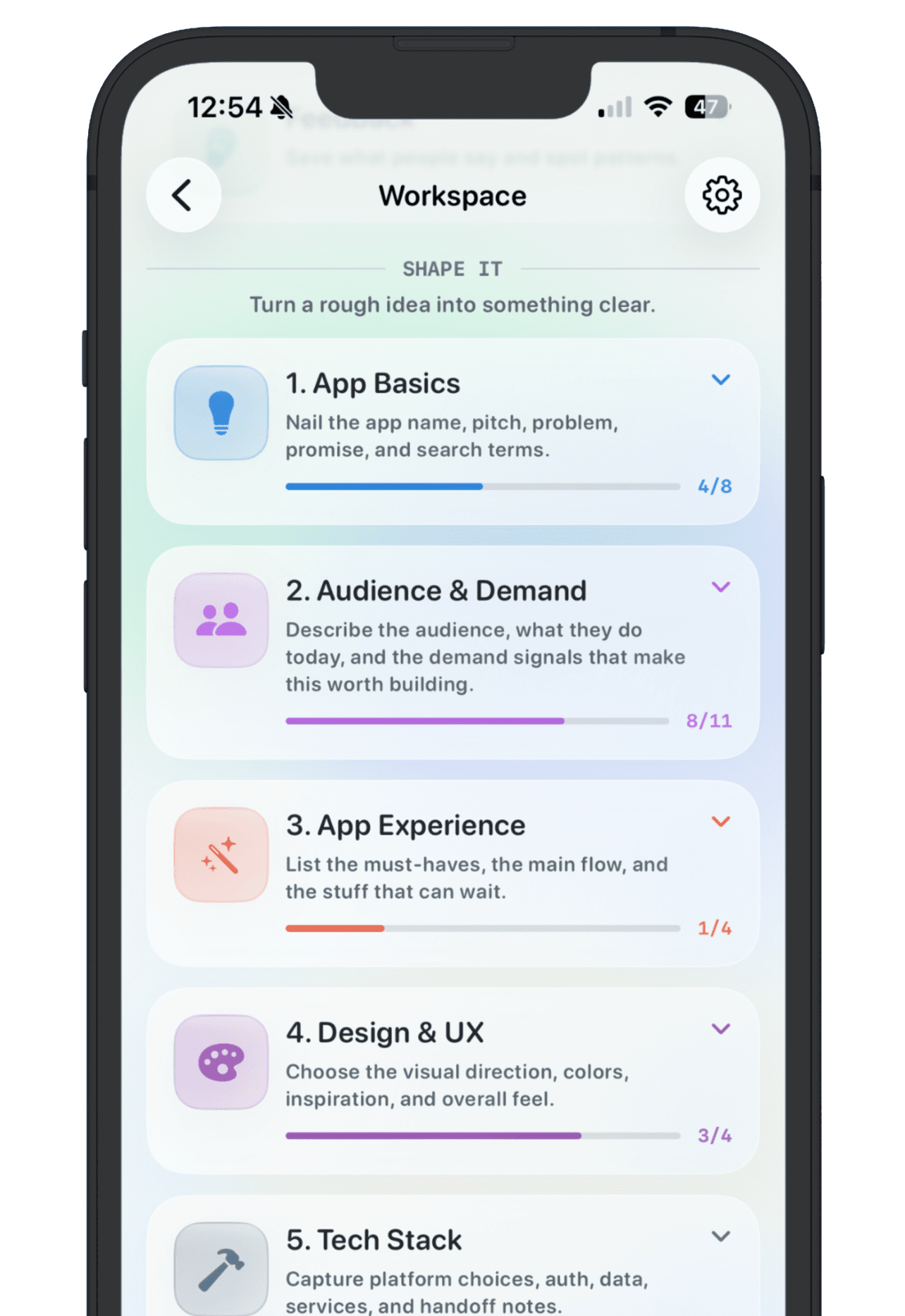
NextApp is the memory layer across AI app builders. Use Lovable, Bolt, Replit, v0, Base44, Cursor, Claude Code, or another tool to build. Use NextApp to keep the product story beside the build: why the app exists, where the current version lives, what people said, what signal matters, and whether it is ready to share.
The best AI app builder is the one that helps answer the next product question. The best app tracker is the one that makes sure the answer does not disappear after the browser tab closes.