
v0 by Vercel is useful when you want to turn a product idea into a working interface or app direction quickly. You can start from a prompt, browse templates, refine the UI, sync with a repo, and publish from the same flow. That speed is valuable, but it also creates a familiar problem: a polished prototype can look like a real product before the app idea has been tested.
The best v0 app ideas are not vague requests for a complete startup. They are clear product surfaces that can answer one question: does this workflow make sense to the person who would use it?
Pick ideas where UI clarity matters
v0 is a strong fit when the first risk is comprehension. If the user needs to understand a dashboard, onboarding flow, pricing page, admin panel, directory, or intake form, a generated prototype can help you test the shape before you spend more time on backend details.
- A waitlist page for one narrow app idea
- A dashboard mockup for a specific customer workflow
- An onboarding flow for a new SaaS tool
- A pricing or plan configurator for one offer
- An admin panel for reviewing submissions
- A directory page with filters and featured entries
- A feedback widget for collecting early reactions
Write the app promise before the prompt
Before opening v0, write one sentence that explains what the app helps someone do. That sentence keeps the prompt honest. Build a dashboard for creators is too broad. Build a dashboard that helps a podcast host track sponsors, episode status, and next follow-up is narrow enough for the first UI to teach you something.
If the app promise still feels fuzzy, save the idea but keep it in research. v0 can make a fuzzy idea look convincing, and that is exactly when a tracker should protect you from false momentum.
Save generated links and design decisions
Every v0 experiment should keep the original idea, first prompt, generated link, published URL, and key design decisions together. If the prototype changes after several prompt passes, you should still know what the first test was supposed to prove and why the app mattered in the first place.
Test comprehension before building deeper
Show the prototype to someone who matches the first user and ask what they think the app does. Do not start with a feature pitch. Watch whether they understand the promise, where they would click next, and what information feels missing. A confusing prototype is not a failure. It is cheap evidence.
- Could the tester describe the app in one sentence?
- Did the main action feel obvious?
- Which screen created the most confusion?
- What would make the prototype worth trying again?
- Should the idea move to Testing, Live, Paused, or Archived?
Track feedback outside the builder
v0 is where the prototype gets generated and refined. Feedback usually arrives somewhere else: user calls, DMs, X replies, Discord, email, or a coworker's notes. Keep that feedback attached to the app idea so the next prompt is based on evidence instead of taste.
Know when a v0 prototype should become a real app
A v0 prototype deserves deeper build work when the user understands it, the workflow maps to a real problem, and the next technical step is clear. That might mean connecting a database, moving into a production repo, adding auth, or turning a landing page into a live waitlist. If none of that is clear, the best decision may be another test or an archive.
Where NextApp fits
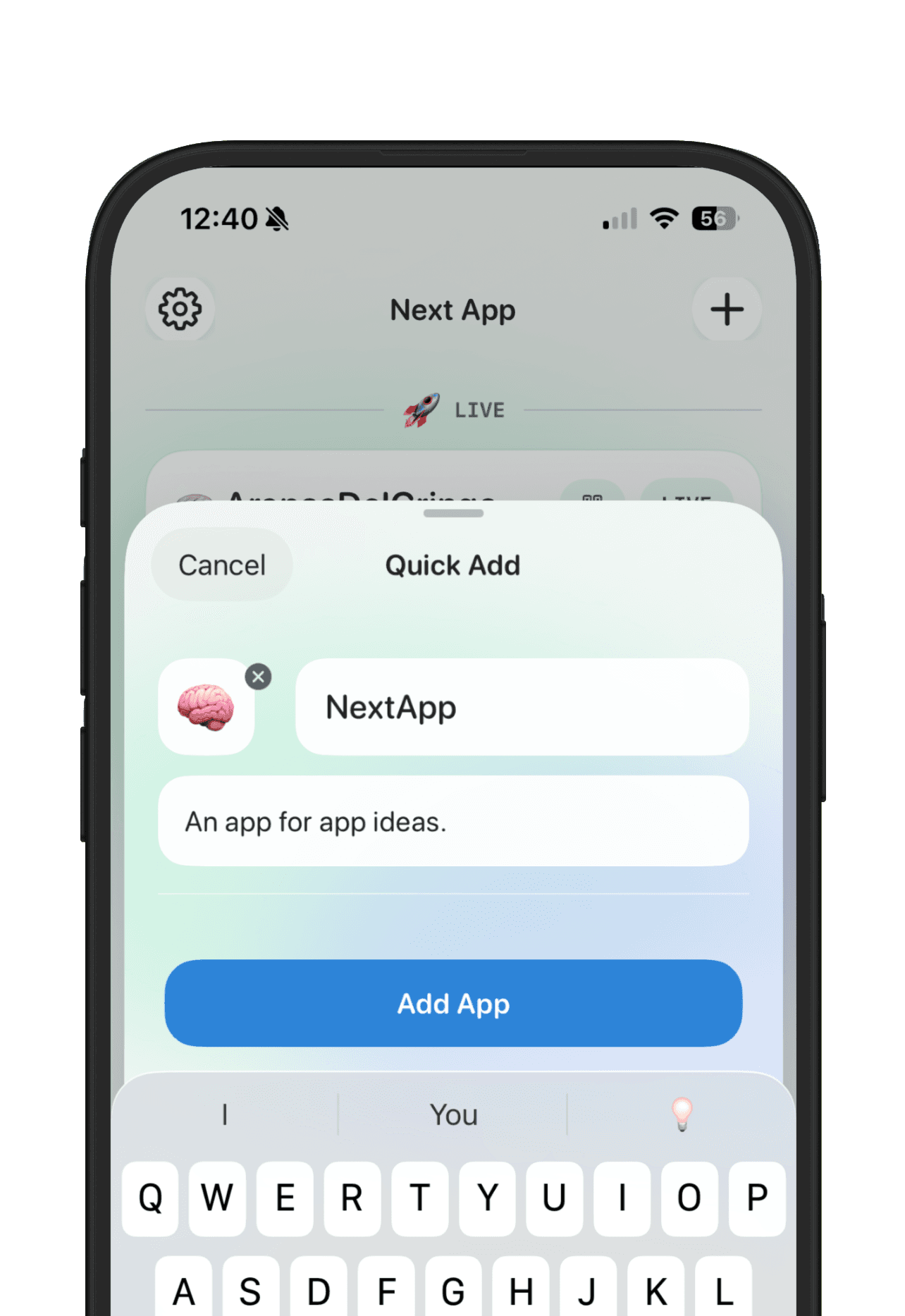
Use v0 to create and refine the prototype. Use NextApp to keep the product memory beside it: the promise, the current link, the feedback, the goal, and the public story if the idea becomes real enough to show. That gives you one place to compare v0 ideas against Lovable, Bolt, Replit, Cursor, Claude Code, Base44, and other AI-built projects.
The useful workflow is simple: save the v0 app idea, generate the smallest clear prototype, test whether people understand it, record the feedback, and decide whether the idea deserves another build session. The goal is not more prototypes. The goal is fewer lost decisions.