
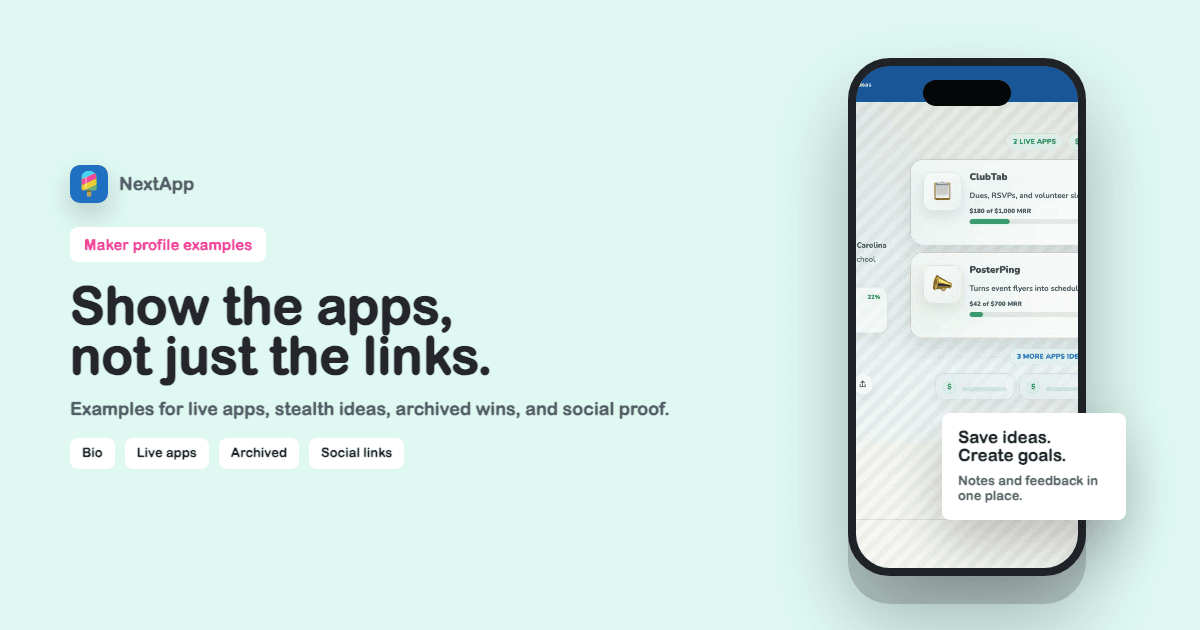
The best maker profile page examples do not read like a resume. They read like a live map of what the maker is building. They show current apps first, then supporting context: what is growing, what is being explored, what was archived, and how to follow or contact the maker.
A public maker profile should answer four questions quickly: Who is this? What have they shipped? What is active now? What should I click next? If a page answers those questions, it can support launches, outreach, referrals, hiring, partnerships, and search discovery.
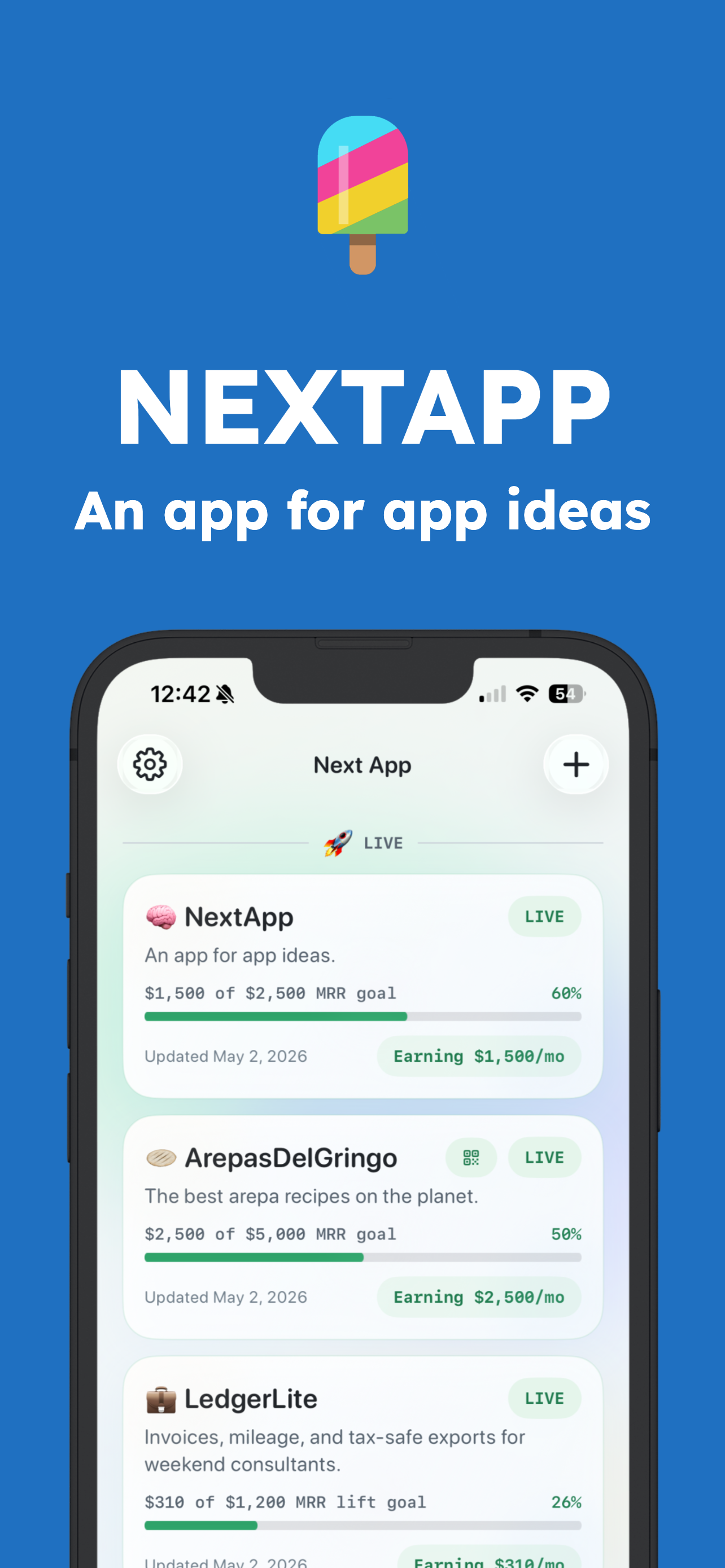
Screenshot: live app sections work best when each app card shows status, short copy, links, and optional progress.
Example 1: the focused app builder
This page leads with one sentence about the maker, then three live apps. Each app has a one-line promise, a live URL, and a progress metric. The primary action points to the newest app. This format is best when you want visitors to try something immediately.
Example 2: the build-in-public operator
This page shows live apps, MRR progress, and ideating projects. The ideating section can use stealth mode when the maker wants to signal momentum without revealing names. The archived section shows acquired or sunset projects, which adds credibility without cluttering the active work.
Example 3: the studio-style profile
This page is closer to a portfolio, but still app-first. It uses richer visuals, social links, and a primary CTA like Book a call or Hire me. This works for makers who consult, build products, or want the page to support business development.
What every maker profile page should include
- Display name, handle, and short bio.
- Live apps with a clear promise, status, and link.
- Optional MRR, user, waitlist, or launch goals.
- Ideating projects when they support the story.
- Archived apps when outcomes like acquired or sunset create useful history.
- Social links with duplicate X/Twitter variants removed.
- One CTA that matches the maker's current goal.
If you need to build the page from scratch, start with the profile builder guide. If the page is part of a launch, use the app launch profile checklist before sharing it.
How to choose what to hide
Not every module belongs on every page. Hide app status pills if they distract from the card copy. Hide revenue if it is not part of your public story. Use stealth mode for ideating apps when you want the section to show momentum without exposing details. Keep archived apps visible only when they explain experience, outcomes, or taste.
A maker profile is not successful because it has every possible module. It is successful when the page feels intentional. The right modules make the maker easier to understand.