

A public maker page is the home base for an indie hacker's work. It shows what is live, what is growing, what is being explored, and what happened to older projects.
That matters because social posts are temporary. A maker page gives every launch, reply, DM, and search result a durable place to land.
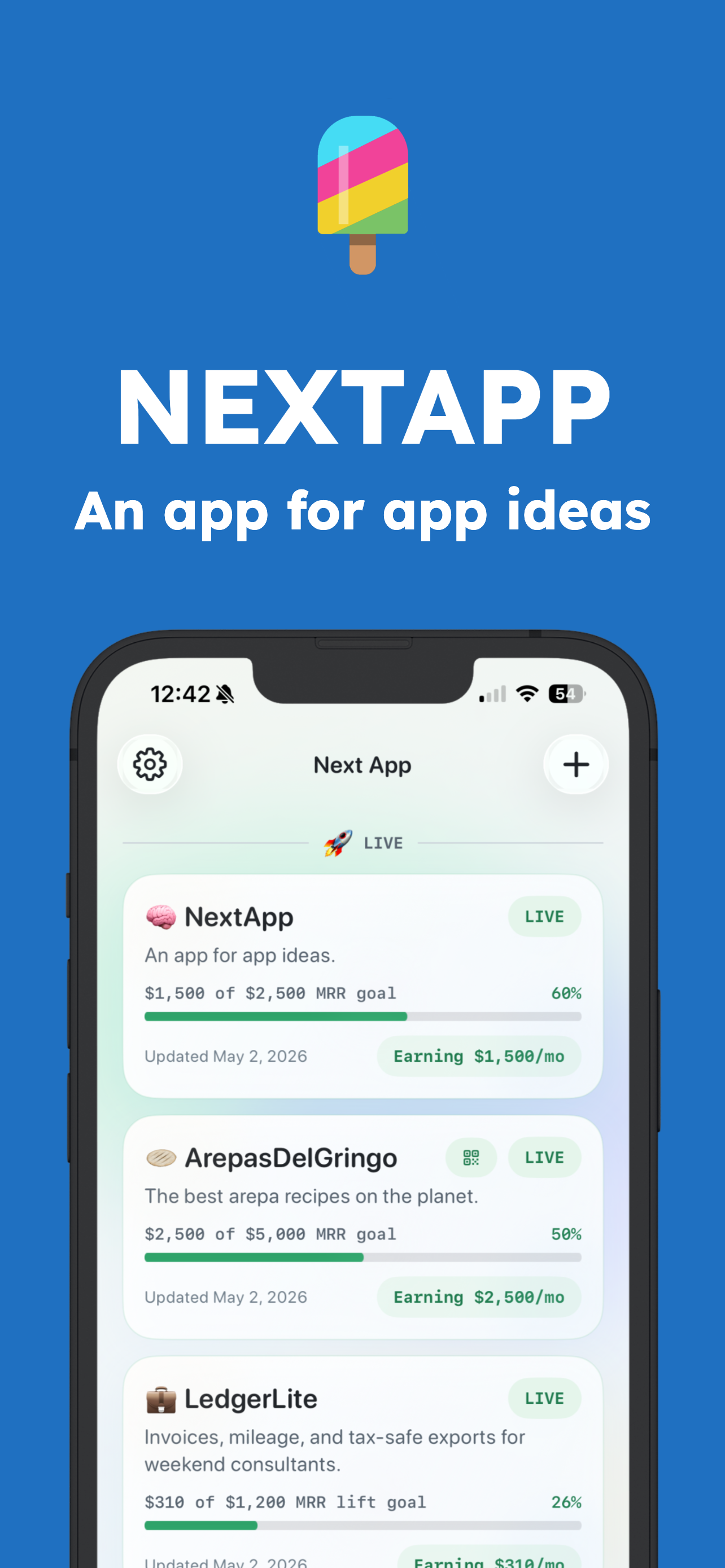
A public maker page should make the builder's current work obvious in a few seconds.
Lead with the apps, not a biography
People click because they saw a product, a number, or a useful reply. Give them the fast version: who you are, what you shipped, and where to try it.
Show active, ideating, and archived work
Indie hackers often have a portfolio of attempts. Live apps show momentum. Ideating apps show direction. Archived apps show taste, lessons, and outcomes like sunset or acquired.
Make revenue optional but structured
If MRR is part of your public story, show it in context. Put it beside the app it belongs to, with a goal or status that explains what the number means.
Use one CTA
Do not make visitors choose between seven equal buttons. Ask them to try the app, join a beta, book a call, or send feedback.
Public maker page checklist
- Bio explains the maker in one sentence.
- Live apps have a clear promise, status, and link.
- Revenue or goals are shown only when intentional.
- Ideating and archived sections add context instead of clutter.
- CTA points to the current priority.
- Shared title and image make the link readable.
Keep going with profile builder for makers, maker profile examples, build in public guide.