
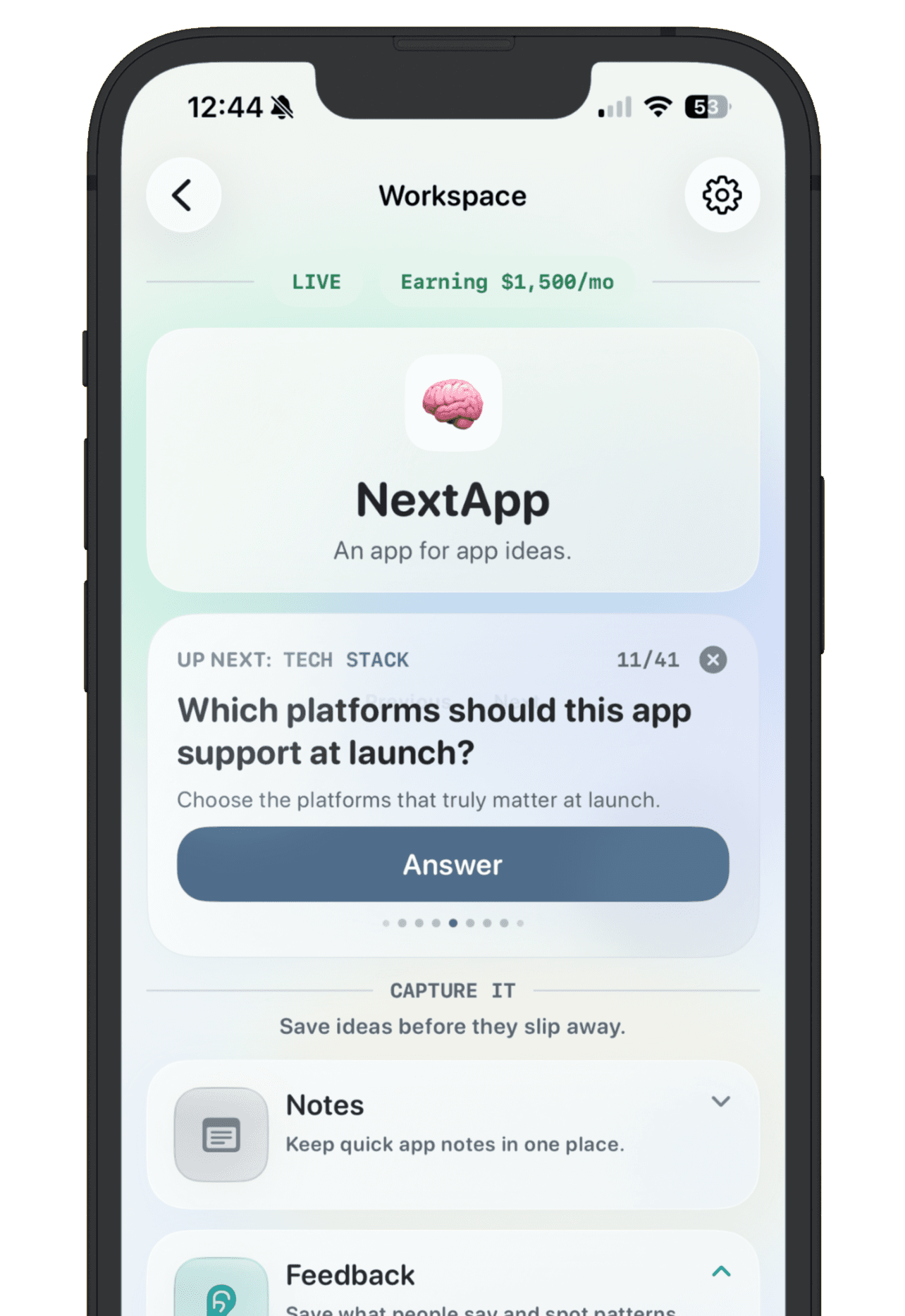
The best app idea tracker app is not just a prettier notes app. It is a decision system for builders who keep collecting possible apps, side projects, feature ideas, and launch experiments. A good tracker helps you capture the idea fast, add enough context to compare it later, and decide whether it belongs in research, active building, public launch, or the archive.
Most generic tools can store ideas. The hard part is keeping each app idea useful after the first spark fades. If you are choosing between a notes app, spreadsheet, project manager, or dedicated app idea tracker, look for the following jobs.
Fast capture for raw ideas
An idea tracker should be easy enough to open when the idea is still messy. If adding an idea feels like paperwork, you will avoid the system. The first capture only needs a working name, a short promise, and maybe the source of the spark.
One workspace per app
A single list is fine for raw capture, but serious ideas need their own space. Each app should be able to hold notes, target users, links, screenshots, goals, feedback, launch status, and the public story if it ships. Without a workspace per app, every idea becomes a row with nowhere for evidence to live.
Statuses that map to real decisions
Useful statuses are simple: idea, researching, building, live, paused, and archived. These are not vanity labels. They help you see which ideas are still loose thoughts, which ones have evidence, which ones are active, and which ones can stop taking up mental space.
Goal tracking before more features
A tracker should let you write down what would make an app worth continuing. That goal could be users, revenue, feedback, App Store reviews, or a public launch milestone. The goal turns the idea from a feeling into a test.
Feedback attached to the idea
Feedback loses value when it stays scattered across email, Discord, X, Reddit, and text messages. A strong app idea tracker keeps reactions next to the app they affect, so you can see patterns before you change the product.
Private planning and public proof
For builders who share work publicly, the tracker should separate private planning from public progress. Private notes can stay private, while live apps can get a maker page with the app name, status, goal, latest update, and link.
NextApp is built around that shape: quick app idea capture, focused workspaces, simple statuses, goals, feedback, and public maker pages for the apps you are ready to show. The best tracker is the one you keep using after the exciting first note.