
Replit Agent is useful when you want to describe an app idea in plain English, let the agent create a working project, and deploy it from the same browser workspace. That makes Replit a strong place to test ideas quickly. It also means your app list can get messy quickly: project links, deploy URLs, prompts, fixes, feedback, and half-finished experiments can spread across tabs.
The best Replit Agent app ideas have a clear first user, a small first workflow, and a reason to deploy a link for feedback. Build ideas that can teach you something before they become full products.
Choose ideas that need a real working link
Replit is a good fit when the idea needs more than a static mockup. Choose app ideas where a deployed prototype can prove something: a user signs in, saves an item, submits a request, filters a list, views a dashboard, or completes a tiny workflow. If the idea only needs a landing page, it may belong in a lighter builder first.
- A simple customer portal for one service business
- A mini CRM for tracking early sales conversations
- A feedback collector for a new app launch
- A dashboard for monitoring one metric or workflow
- A lightweight directory with submit and review states
- A tool for logging prompts, links, and versions across AI-built apps
Write the deployment goal first
Before prompting Replit Agent, decide what the first deployed link should prove. Maybe the goal is to get three people through the workflow, validate whether a niche wants the tool, test whether a database-backed version is useful, or see if the project deserves a more serious repo. A deployed app without a goal can turn into endless refinement.
Save the source and live links
Every Replit-built app should have two links in your tracker: the Replit project or source workspace, and the live URL people can test. Add the original prompt and the first user beside those links. When you return later, you should know what the app was supposed to do without rereading an entire chat or project history.
Track feedback after the deploy
Replit makes it easier to deploy, but feedback still arrives outside the build tool. Save tester notes, bugs, objections, screenshots, and feature requests on the app record. That way the next Replit prompt is grounded in what happened, not just what feels exciting to add.
- Did the tester understand the app without an explanation?
- Did the main workflow complete successfully?
- What broke after deployment?
- What did the tester ask for before they would use it again?
- Is the next decision to fix, publish, pause, or archive?
Use statuses for the whole app portfolio
Use Idea, Prototype, Testing, Live, Paused, and Archived across every Replit project. Replit can make a prototype feel real because it has a running URL. Status keeps you honest about whether the app has feedback, users, or a reason to stay active.
Keep build tasks separate from app memory
A Replit project can collect implementation work: environment variables, database changes, auth fixes, mobile tweaks, and deployment bugs. Keep that work in the build tool. Keep the app-level memory in a tracker: target user, live link, feedback, goal, and public page readiness.
Where NextApp fits
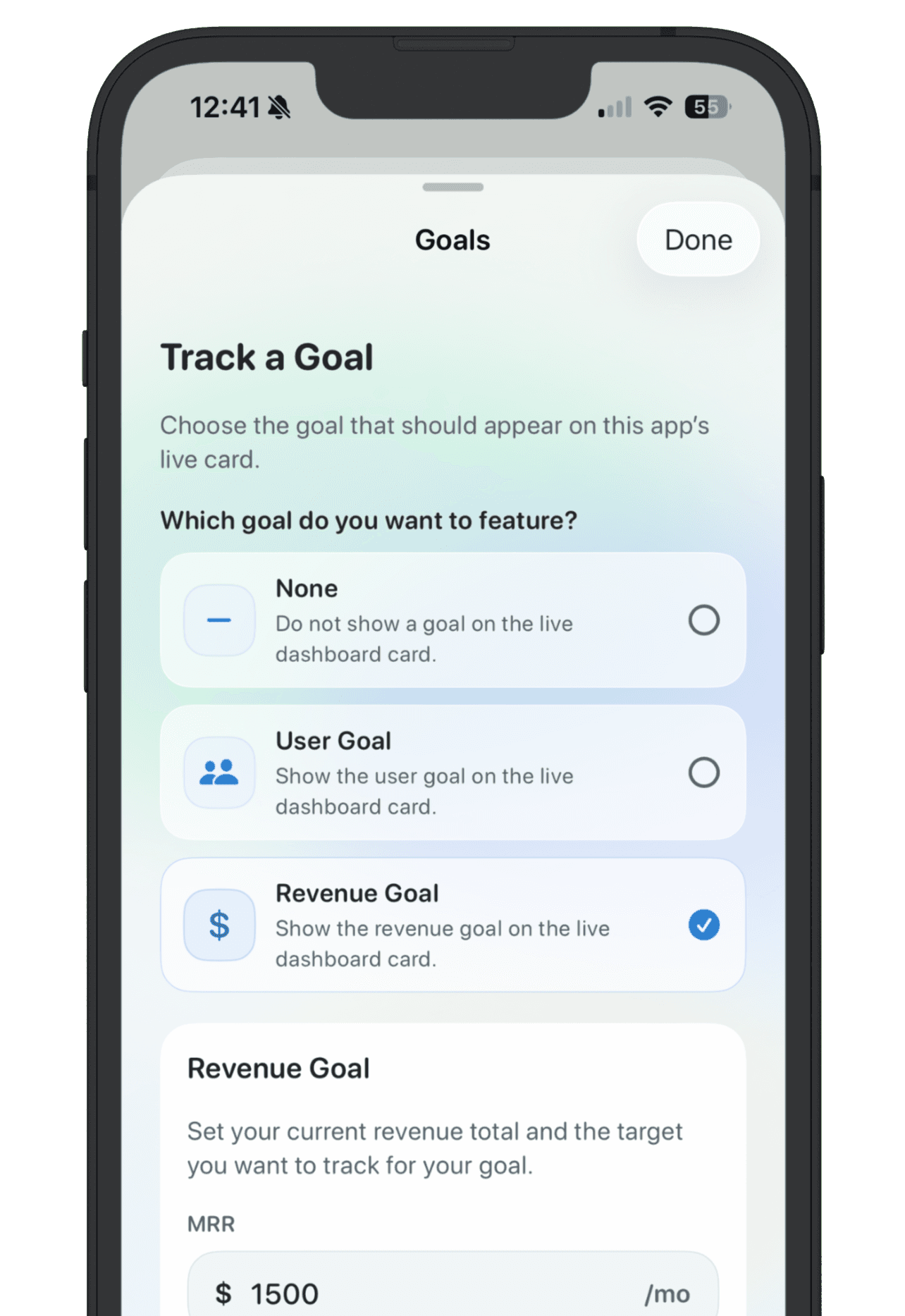
Use Replit Agent to build and deploy. Use NextApp to keep the product memory outside the workspace: what the app is for, where the current link lives, what testers said, what signal matters, and whether it should keep moving. This gives you one place to compare Replit projects with Lovable, Bolt, v0, Cursor, Claude Code, and other AI-built apps.
The point is not to slow down Replit. The point is to keep fast Replit experiments from disappearing after the first deploy. If an app has a clear record and a next decision, it is much easier to know which projects deserve another build session.