
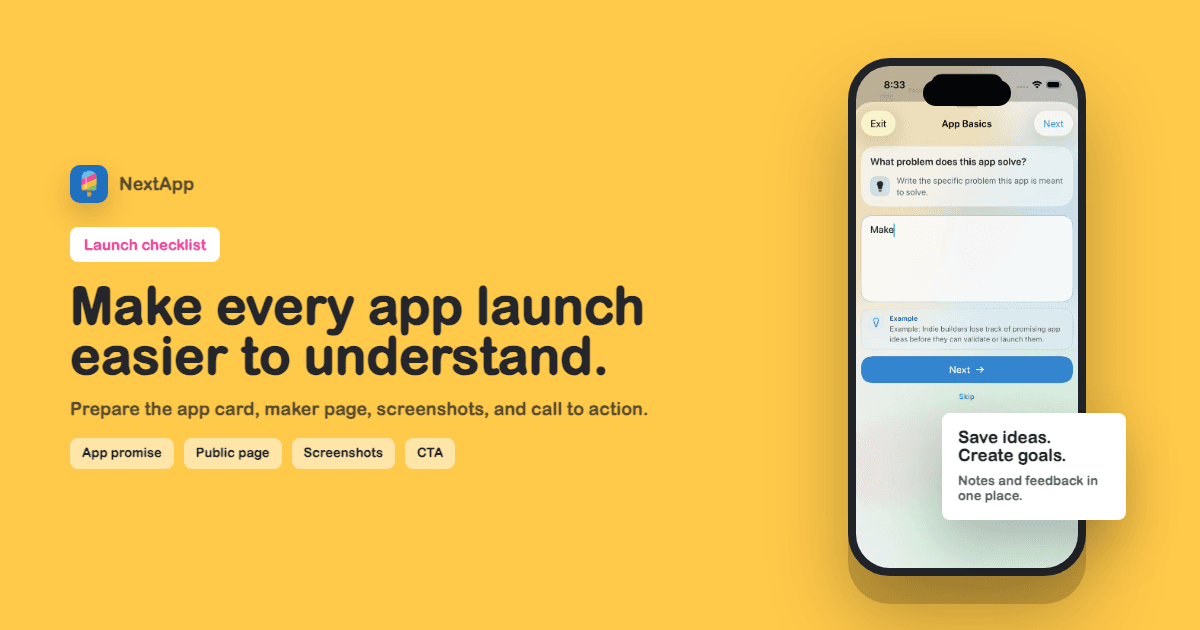
An app launch is easier to understand when the app has a clean public profile before the announcement goes out. The launch post creates the spark. The profile page catches the click. If the page is vague, missing screenshots, missing a status, or missing a next action, the launch loses momentum.
Use this checklist before posting on X, sending DMs, sharing in a community, publishing a Product Hunt page, emailing a waitlist, or asking friends for feedback.
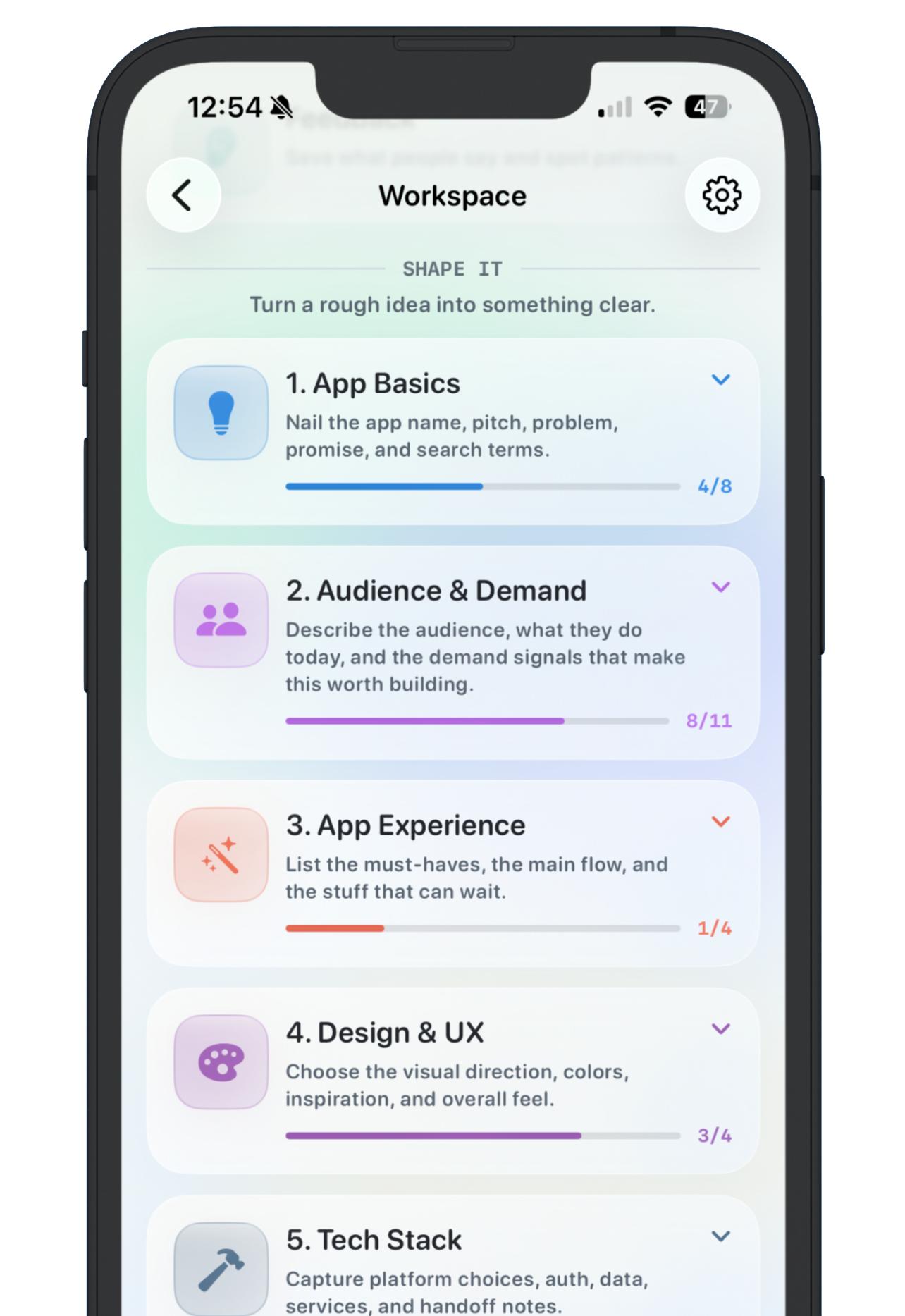
Screenshot: launch planning starts before the public page, with a clear promise, goal, and first version.
1. Clarify the app promise
Write one sentence that explains who the app helps and what changes for them. If the sentence is hard to write, the launch page will be hard to understand. Keep the promise close to the real first version, not the roadmap.
2. Prepare the public app card
- App name and icon are readable.
- Description is specific and short.
- Status is correct: live, beta, waitlist, ideating, archived, sunset, or acquired.
- Primary URL works and opens the right destination.
- Revenue, user, or waitlist goal is accurate if shown.
3. Connect the app to the maker page
A launch page should not float alone. Put the app on a maker profile so visitors can understand the person behind it and the rest of the product context. This is especially useful if you have multiple small apps, archived outcomes, or a build-in-public audience.
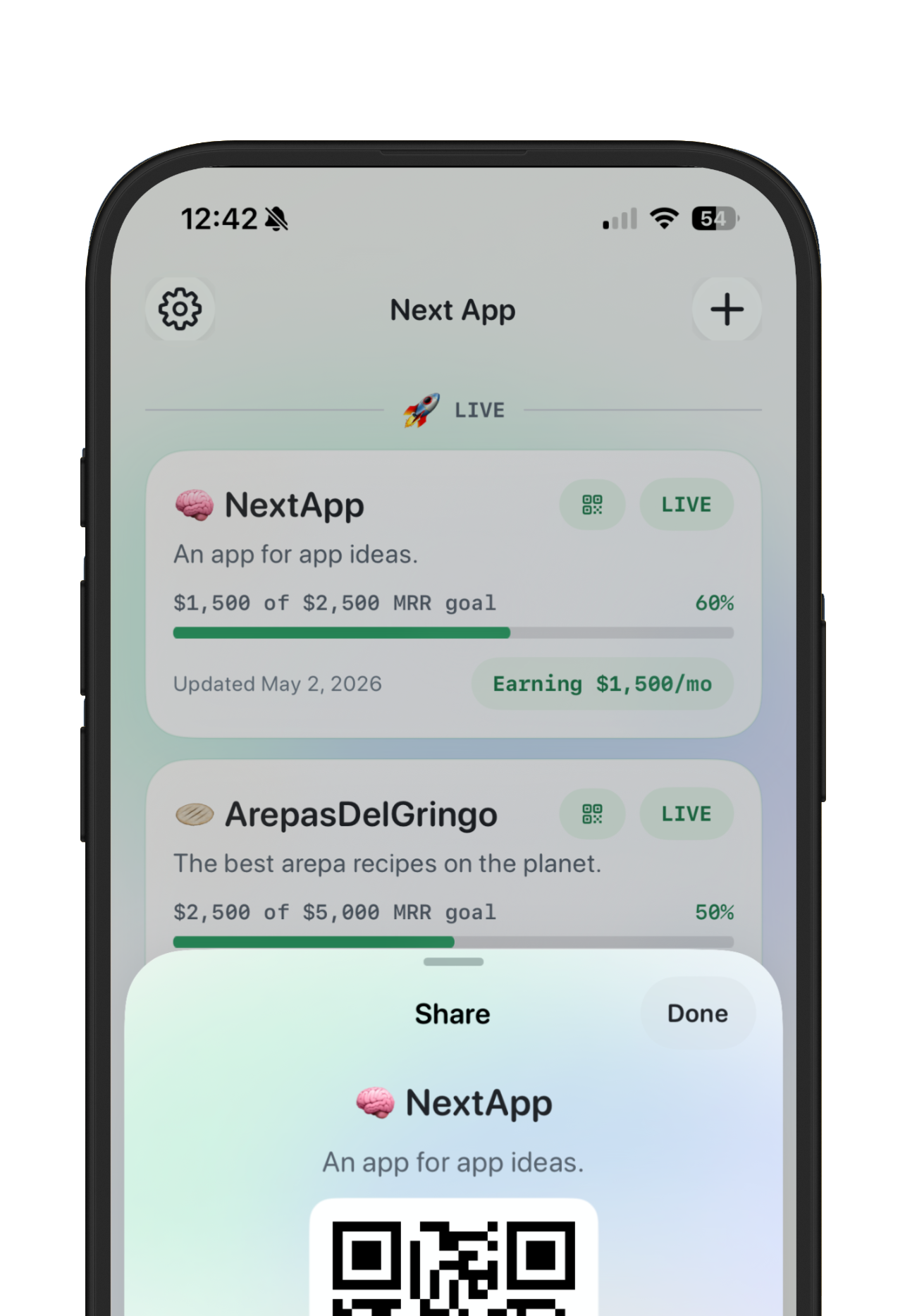
Screenshot: share tools make it easier to move from a launch conversation to a durable app profile.
4. Add proof before you add polish
Proof can be a screenshot, a beta quote, a revenue goal, a waitlist number, a usage milestone, or a clear explanation of what changed. You do not need a cinematic launch page. You need enough evidence for the right person to care.
5. Set the CTA
Choose one primary action. Try the app, join the beta, send feedback, book a call, or follow the build. Multiple equal CTAs make the page feel busy and reduce the chance that visitors do the one thing that matters.
If revenue is the launch goal, use the MRR tracker tools guide. If the launch is part of a public building cadence, use the build in public guide.
Launch profile checklist
- App promise is clear in one sentence.
- Live app card has status, link, description, and optional goal.
- Maker profile bio explains the builder context.
- Screenshots or progress proof are visible.
- CTA matches the launch objective.
- Shared preview title, description, and image are ready.
- The profile is public and reachable after publish.
The goal is not to create a massive marketing site before every launch. The goal is to make the first click make sense. A small, structured profile page can do that faster than a custom landing page for every app.