
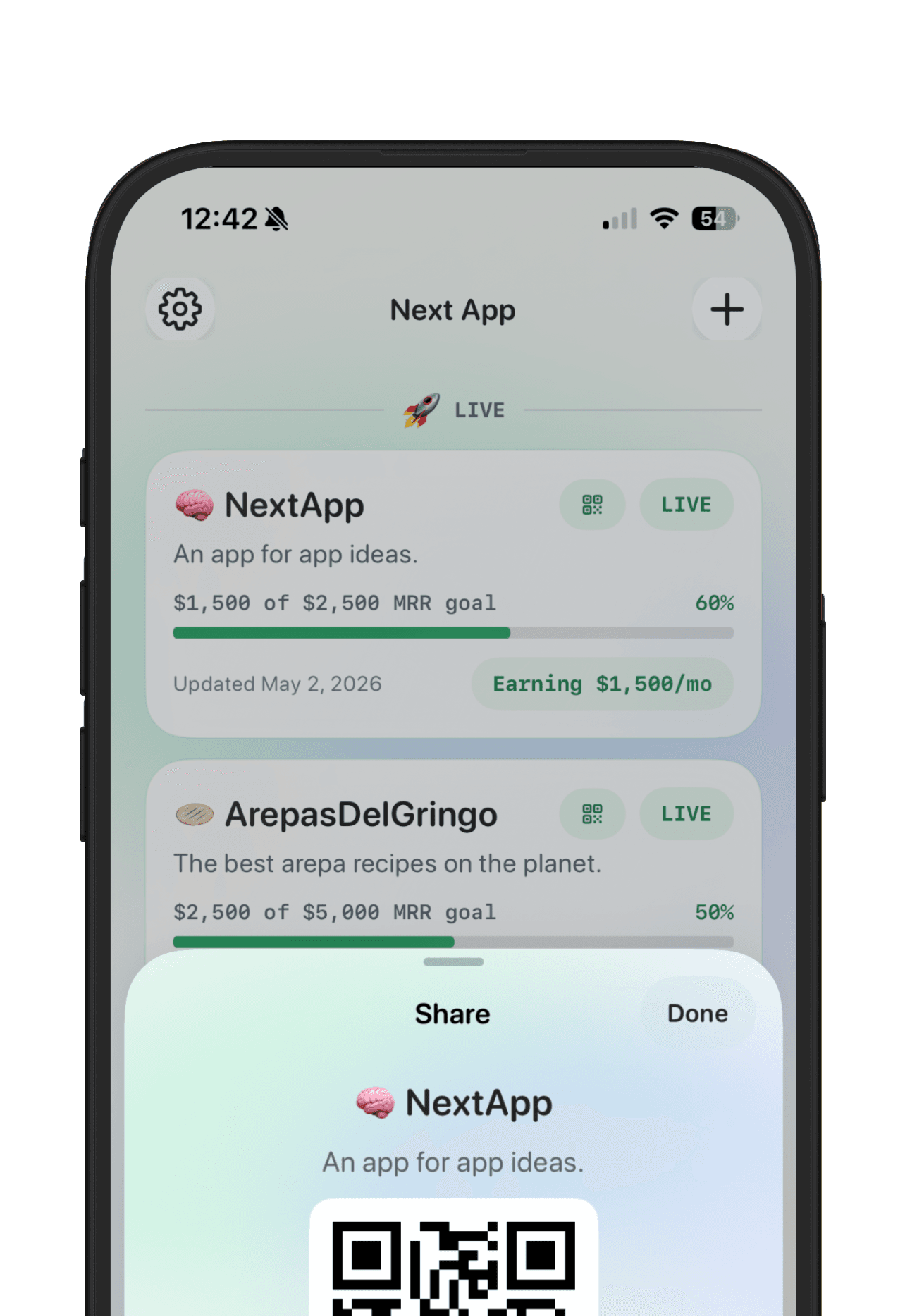
A build-in-public launch plan should make it easier for people to understand what you are building and why it matters. It should not force you to share every private note, messy metric, or unfinished thought. The best plan separates public momentum from private planning.
Use this launch plan when your app is close enough to show and you want to bring people into the journey without turning launch day into performance theater.
Pick the public story
Choose the story you want people to remember: the problem you kept running into, the tiny workflow you fixed, the AI-built prototype that became real, or the niche user you are serving. The public story should be specific enough that the right people recognize themselves.
Create the public app page
Your public app page should include the app name, plain-language promise, current status, link, latest update, and one progress signal. This gives people a durable link to revisit after a social post disappears.
Decide what stays private
Private notes, pricing experiments, messy feedback, technical risks, and half-formed ideas do not need to be public. Keep them in the app workspace. Share the polished status and the lesson when you are ready.
Prepare three launch updates
Write three small updates before launch: one announcing the app, one explaining the problem or build story, and one asking for feedback. These do not need to be long. They need to be clear and easy to answer.
Track feedback where it changes the product
People may reply on X, email, Discord, Reddit, or direct messages. Save useful feedback next to the app, not just in the channel where it arrived. That is how you turn public attention into product decisions.
Review the launch signal
After the launch window, review the signal you cared about: users, replies, signups, revenue, waitlist joins, or feedback quality. Then decide whether to keep building, narrow the promise, relaunch, or pause.
NextApp is built for this loop: private app planning, goals, feedback, and a public maker page that shows only what you want to share. The launch becomes part of the app record instead of a one-off post.