
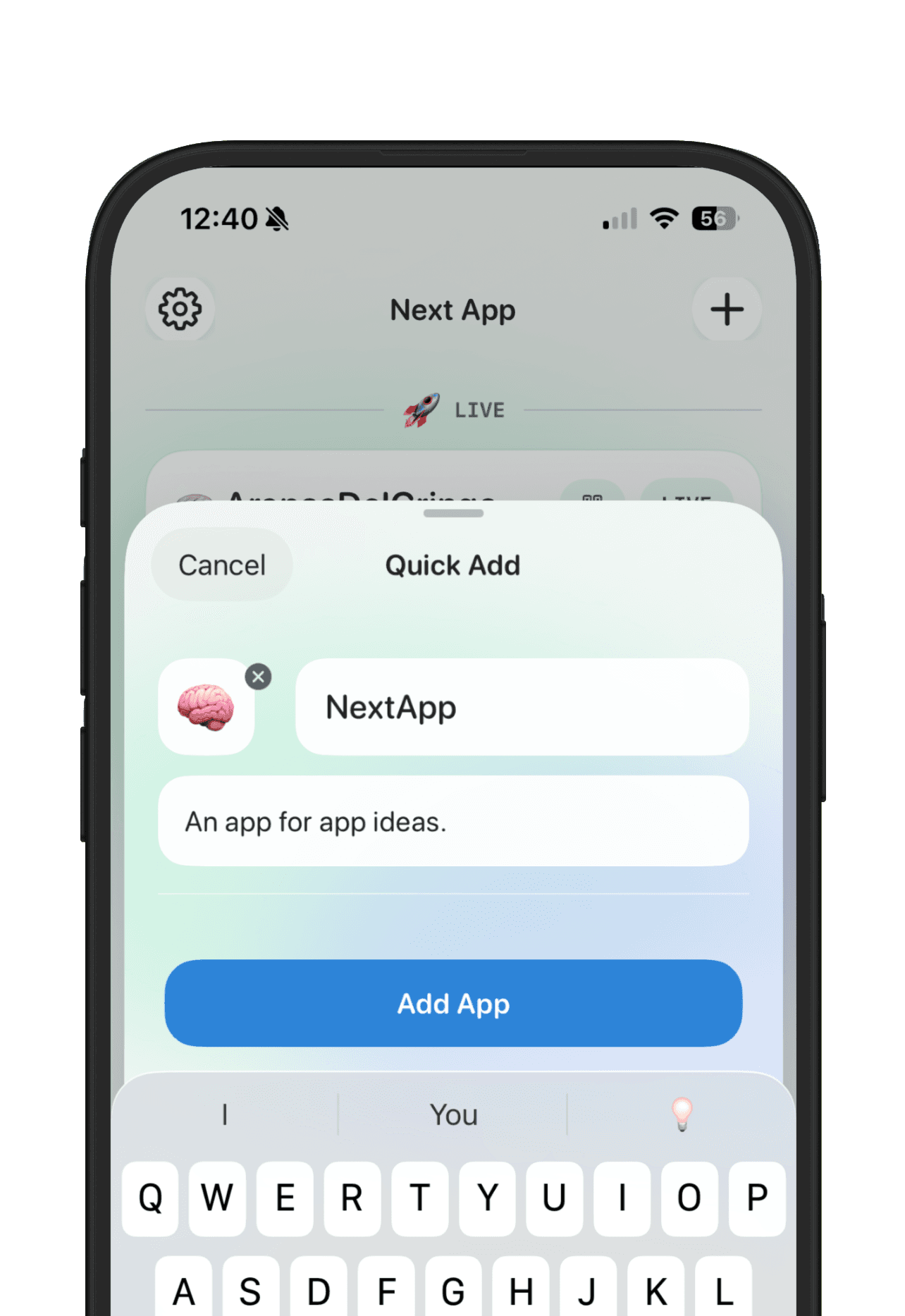
A side project tracker is for the builder who has more ideas than time. The problem is not a lack of motivation. The problem is that every project competes for attention, and without a visible system the newest idea usually wins.
The right tracker helps you see which projects are raw ideas, which ones have evidence, which ones are being built, which ones are live, and which ones should be paused without guilt.
Start with project status
Use statuses that reflect real choices: inbox, researching, building, live, paused, and archived. Status turns a pile of side projects into a portfolio you can scan. It also makes it easier to stop pretending every idea is active.
Limit each project to one next move
A side project tracker should not create a giant task backlog for every idea. Most projects only need one next move: talk to a user, make a prototype, fix onboarding, ship the landing page, or archive the idea. One next move keeps review fast.
Use goals to fight drift
Side projects drift when the goal is vague. Set one concrete signal for each serious project: users, signups, revenue, feedback, App Store submission, or a public launch. If a project has no goal, keep it in the inbox or pause it.
Keep evidence with the project
Screenshots, competitor links, user quotes, and pricing notes should live with the project they support. This makes it easier to compare ideas later without reconstructing why they mattered.
Review weekly, archive aggressively
A weekly review keeps your project list honest. Promote projects with signal, pause projects that need time, and archive projects that no longer have a clear user or reason to exist. Archiving is not failure. It is how you make room for better ideas.
NextApp gives side projects the shape they need: one workspace per app, simple status groups, goals, feedback, and optional public pages. It is especially useful when your side projects are apps and you want the private planning and public progress in one place.