
Vibe coding makes the first version of an app feel almost too easy. You describe the thing, the AI builds a screen, and suddenly you have a working link. The hard part comes next: remembering which prompt made which version, which deploy is current, what feedback came in, and whether the app is worth continuing.
A vibe coding project tracker should organize the mess that appears after the prototype. It should keep the reason for the app, the current link, the prompt trail, the feedback, and the next decision close enough that you can still make sense of the project a week later.
Track the live link and the build source
Every AI-built app should have a current live URL and a source note. The source might be Lovable, Replit, Base44, Bolt, v0, Cursor, Claude Code, or another builder. This sounds basic, but builders often lose track when they make several versions across different tools.
Save the prompt that changed the product
You do not need to save every prompt. Save the prompts that materially changed the app: the initial build prompt, major redesign prompts, data model changes, payment changes, and bug fixes that altered behavior. These prompts become the history of why the app works the way it does.
Keep feedback next to the app
Vibe-coded apps get feedback from everywhere: friends, X replies, Discord, Reddit, customer chats, and your own testing. If that feedback stays scattered, the next prompt becomes guesswork. Put feedback next to the app record so patterns become visible.
Give each project a status
Use simple statuses: Idea, Prototype, Testing, Live, Paused, Archived. Vibe coding can create many prototypes quickly, so status is how you avoid pretending every prototype is an active product.
Set one goal before you keep prompting
Before adding more features, decide what the app needs to prove. Is the goal one real user, a paid checkout, a public launch, a specific workflow completed, or a week of personal use? Without a goal, it is easy to keep prompting because progress feels good.
Publish only what is ready
Some vibe-coded apps are experiments. Some become real products. Keep private planning separate from the public page. When an app is ready, a public maker page can show what it does, where to try it, what progress looks like, and who built it.
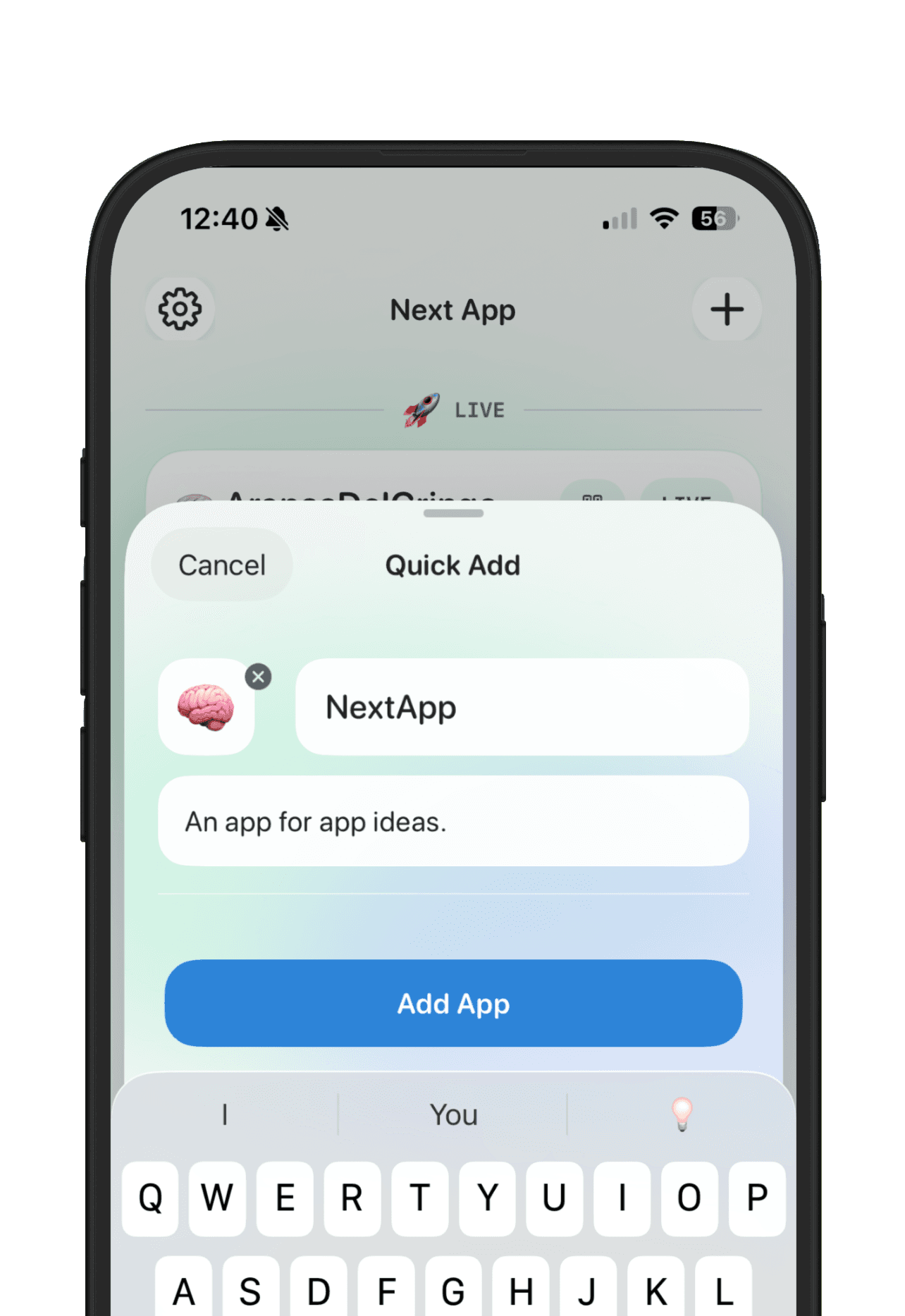
NextApp works well for this because it treats every app as its own workspace. You can capture the idea, attach links and feedback, track goals, and share the apps that graduate from prototype to public build.