
Bolt and Bolt.new are useful when you want to see an app idea become a working browser prototype quickly. You can describe a dashboard, CRM, booking tool, directory, or internal app and get code plus a live preview without setting up a local environment first. That speed is the point, but it also creates a new problem: too many prototypes and not enough memory about which ideas are worth continuing.
A good Bolt app idea should be narrow enough for the first generated version to make sense, but meaningful enough that feedback can tell you whether to keep going.
Start with database-backed workflows
Bolt is strongest when the idea has a clear interface, data model, and workflow. Think about apps where the first version can show lists, forms, filters, dashboards, and status changes. Avoid asking for a giant platform on the first prompt. Ask for one workflow that proves the core behavior.
- A customer request tracker for one service business
- A project status dashboard for a small agency
- A lightweight CRM for a specific niche
- A bug and feedback board for one product
- A simple booking or intake app
- A public directory with admin review
Write the user before the prompt
Before opening Bolt, write down the first user and the first decision. A vague prompt like build a project management app can go in too many directions. A sharper idea sounds like: build a project tracker for a two-person web design studio that needs client name, deliverables, status, due date, and next follow-up.
Specificity helps the generated app and helps you judge the result. If you cannot name the first user, save the idea but do not turn it into a build yet.
Save the first generated version
Bolt makes iteration feel cheap, so the first version can disappear under follow-up prompts. Save the original idea, first prompt, generated project link, live preview, and the reason you built it. That first record becomes the anchor when the app changes shape later.
Track what broke during testing
A Bolt prototype may look convincing before it has been tested. Keep a feedback log outside the builder: what worked, what failed, what confused people, and what needs another pass. If the same issue appears twice, that is a better next prompt than adding a new feature because the app looks almost finished.
- Did the app complete the main workflow?
- Did the data model match the real use case?
- Could someone else understand the page without your explanation?
- What would make this worth another build session?
- Should the app move to Testing, Live, Paused, or Archived?
Separate build tasks from app decisions
Bolt can create real coding work: auth, database cleanup, deployment, integrations, and UI fixes. Those tasks belong in the build workflow. The app decision belongs in a tracker: who is it for, what signal matters, what feedback arrived, and whether the prototype should become a public app.
Use simple statuses
Use Idea, Prototype, Testing, Live, Paused, and Archived. This keeps Bolt experiments honest. A prototype you generated in ten minutes should not compete with a live app that has users unless it has a clear next decision and feedback path.
Where NextApp fits
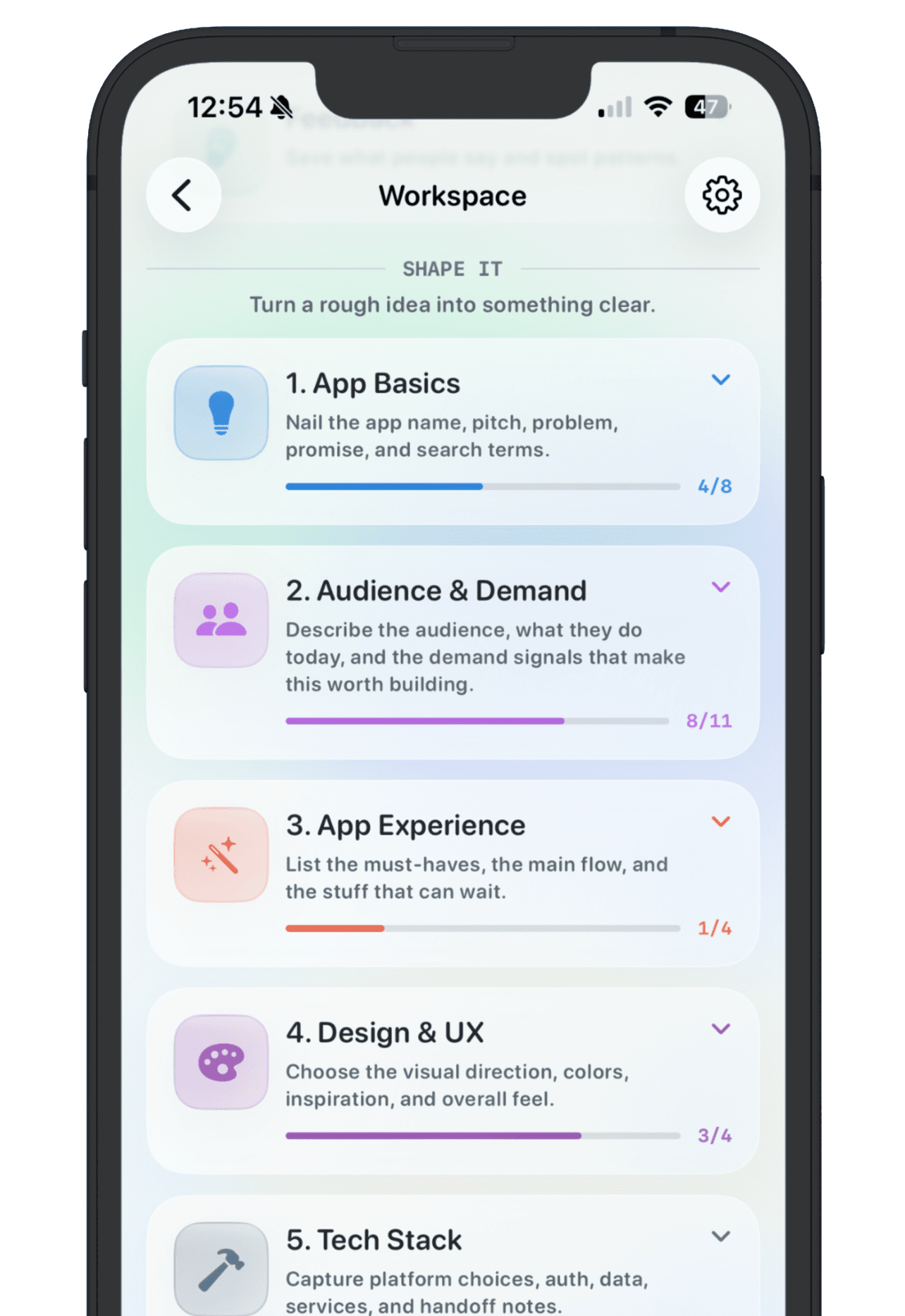
Use Bolt to generate and refine the app. Use NextApp to keep the product decision outside the builder: the original promise, the current link, the feedback, the goal, and the public story if the app is ready to show. That gives you one place to compare Bolt builds against Lovable, Replit, v0, Cursor, Claude Code, and other AI-built projects.
The best Bolt app ideas are not the ones that generate the flashiest first screen. They are the ones with a clear user, a testable workflow, and enough tracked feedback to know what should happen next.