
An app idea backlog should not be a graveyard for every thought you have ever had. It should be a working inventory of possible apps, each with enough context to decide whether it deserves research, a prototype, a launch, or the archive.
The problem with most backlogs is that they preserve too little at capture time and too much later. A one-line note is hard to evaluate weeks later, but a huge template makes capture slow. A useful backlog keeps the first capture light, then adds evidence only when an idea earns attention.
Capture the spark, not the whole plan
When an idea is new, save the working name, the one-sentence promise, and the moment that triggered it. That moment might be a problem you hit, a customer quote, a competitor gap, a workflow annoyance, or a search term you noticed. The trigger is important because it explains why the idea felt worth saving.
Give every idea a status
A backlog without statuses becomes a flat list where every idea competes equally. Use a small set of decisions: Inbox, Researching, Building, Live, Paused, and Archived. Inbox means raw. Researching means it has enough promise to collect evidence. Building means time is committed. Live means users can try it. Paused and Archived keep old ideas from pretending to be active.
Separate evidence from enthusiasm
Every app idea feels strongest when it is new. Evidence keeps the backlog honest. Attach user quotes, screenshots, App Store reviews, pricing notes, search terms, and links to the exact idea they support. If an idea never collects evidence, it may still be interesting, but it should not jump ahead of ideas with real signal.
Use one next decision
Do not turn every backlog item into a full project plan. Most ideas only need one next decision: research the user, write the landing promise, prototype the main workflow, collect feedback, pause it, or archive it. One next decision makes review fast and keeps the backlog from becoming another job.
Archive without guilt
Archiving is part of a healthy backlog. If an idea no longer has a clear user, evidence, or reason to exist, archive it. You are not deleting creativity. You are making the active list trustworthy so the best ideas are easier to see.
A simple backlog structure
- Working name
- One-sentence promise
- Source of the spark
- Target user
- Status
- Evidence
- Next decision
- Links, screenshots, and notes
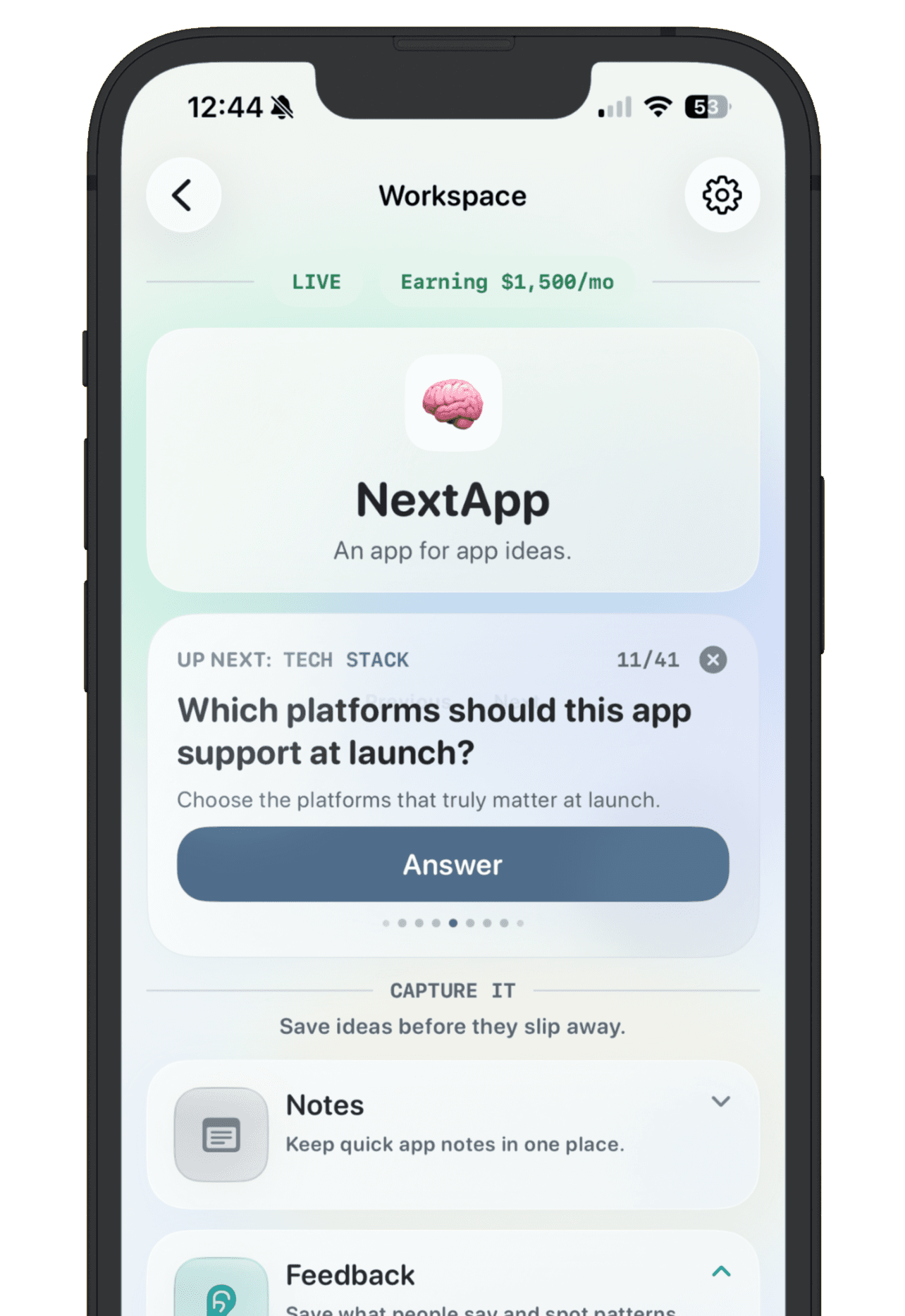
NextApp is built around this kind of backlog. You can capture rough ideas quickly, give serious ideas their own workspace, keep notes and feedback attached, set goals, and publish a public maker page only when an app is ready to show.