
An indie app launch is not one moment. It is a set of small decisions that need to be ready before the app goes public: who it is for, what the first promise is, where people can try it, how you will collect feedback, and what signal will tell you whether to keep going.
Use this checklist to keep launch week calm. It is written for solo builders and small teams who need enough structure to avoid forgetting important work without turning launch week into a full-time operations project.
1. Clarify the first user
Write down the specific user the launch is for. A launch aimed at everyone is hard to describe, hard to pitch, and hard to learn from. Name the first user, their pain, and the result the app promises.
2. Write the one-sentence launch promise
Before screenshots, threads, posts, or store copy, write one sentence that explains the app. This sentence should fit in a headline and make the target user curious enough to click.
3. Prepare the app links
Collect the links you will need on launch day: website, App Store or Play Store page, waitlist, checkout, support, privacy policy, terms, and any demo link. Keep them in the same app workspace so you do not hunt through tabs when people start asking.
4. Check analytics and feedback capture
Make sure you can see whether anyone is using the app and that users have a way to respond. Analytics without feedback can be confusing. Feedback without usage can be misleading. You need both.
5. Set one launch goal
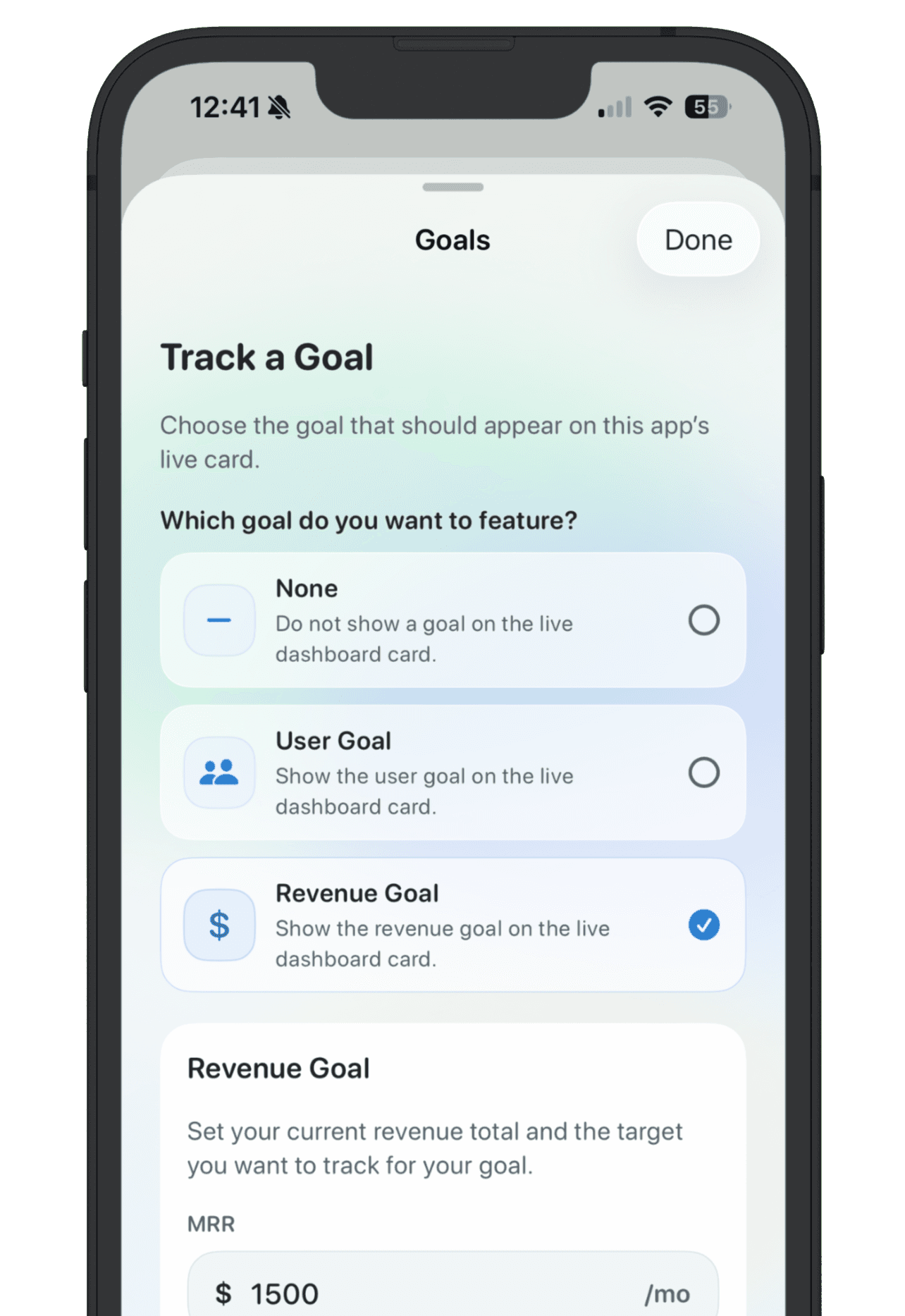
Pick one launch goal before the excitement starts. It could be installs, signups, paying customers, replies, waitlist joins, App Store reviews, or a revenue target. The point is not to predict perfectly. The point is to know what signal matters.
6. Prepare public proof
If you build in public, decide what you are comfortable showing: the app status, latest update, revenue goal, user goal, screenshots, or a short note about what you are learning. Keep private planning private, but make the public page clear enough that people understand momentum.
7. Make the follow-up plan
The day after launch matters. Decide how you will collect feedback, which channels you will check, when you will review the numbers, and what would trigger the next version. A launch without follow-up becomes a spike instead of a learning loop.
A simple launch checklist
- Target user is clear
- Launch promise is written
- App links are collected
- Store or landing page copy is ready
- Analytics and feedback capture work
- One launch goal is visible
- Public maker page is updated
- Post-launch review is scheduled
NextApp is useful here because the launch checklist lives next to the app idea, goals, feedback, and public maker page. You can launch from the same workspace where you planned the app.