
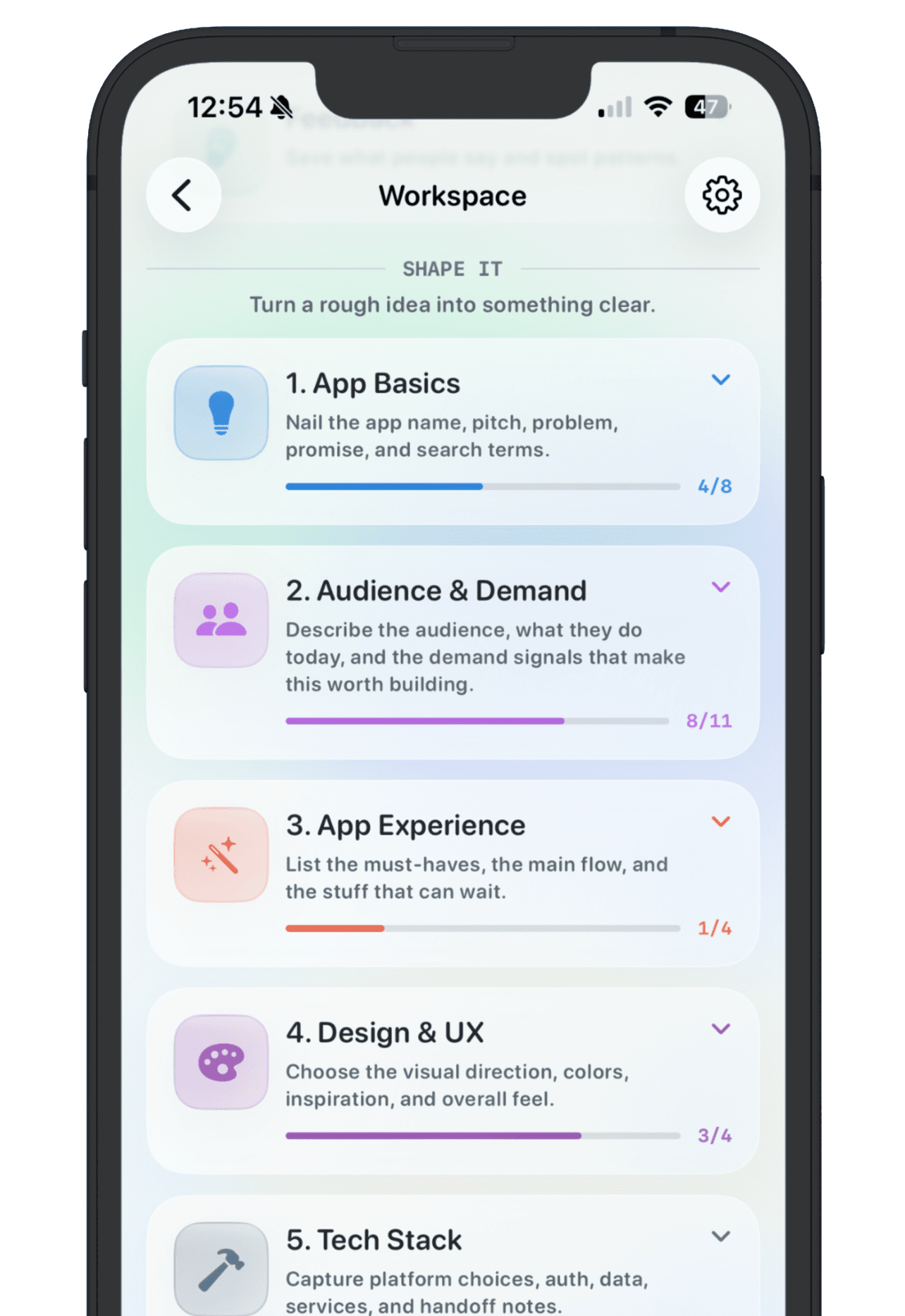
A vibe coding project tracker template should do one thing well: preserve the context that AI app builders make easy to lose. When Lovable, Bolt, Replit, v0, Cursor, Claude Code, Base44, or another builder can spin up a prototype in minutes, the hard part becomes remembering which projects are worth another hour.
The goal is not heavy project management. The goal is to keep enough of the trail that you can decide what happens next: test it, improve it, publish it, pause it, or archive it.
What to save before the trail goes cold
- The working name people would recognize later
- The promise: who it helps and what changes for them
- The builder, repo, or workspace where the app lives
- The current live link testers should open
- The prompt or brief that changed the product in a meaningful way
- The current state: idea, prototype, testing, live, paused, or archived
- The signal that would make the project worth continuing
- Feedback, bugs, objections, and requests attached to the project
- The next decision to make before more prompting
Use statuses that match real decisions
Vibe-coded projects need simpler statuses than a full software roadmap. Idea means the concept is saved but not built. Prototype means an AI builder produced something testable. Testing means the link is being shown to real people. Live means the app is public enough to maintain. Paused means it is not active but could return. Archived means you made a clean decision to stop carrying it.
These statuses matter because AI tools make motion cheap. Without a status, a rough prototype can look as important as a live app with users. The tracker should make that difference obvious.
Save prompts selectively
Do not turn the tracker into a transcript of every message you sent to an AI builder. Save prompts that explain product history: the first build prompt, a major design shift, a data model change, an auth or payment change, and the prompt that fixed a confusing workflow. Those are the prompts you will want when the app breaks, moves tools, or needs a clearer launch story.
Track builders without letting builders own the backlog
Each tool leaves a different trail. Lovable may hold the project link and generated UI. Bolt may hold the browser workspace. Replit may hold a deploy and source files. Cursor or Claude Code may live in a local repository. Point back to the source, but keep the product decision somewhere you can compare across tools.
Add feedback before adding features
The most important part is often feedback. Save who reacted, what they tried, what confused them, what they asked for, and whether the comment changes the goal. If three testers fail at the same step, the next prompt should fix that workflow before you add another feature.
Feedback also protects you from rebuilding based on mood. A public reply, a customer note, or a test observation is easier to trust when it sits next to the app it affects.
Decide when a project becomes public
Not every AI-built app deserves a public page. Some are experiments, client demos, or practice builds. Publish when the app has a clear promise, a working link, a status you are willing to show, and a goal that explains what progress means. Keep private prompts, rough notes, and unfinished experiments inside the workspace.
A simple weekly review
- Archive prototypes with no user, goal, or feedback path
- Move testable projects into Testing and send the right link to real users
- Update Live projects with their current goal and latest feedback
- Write one next decision for every active app before opening another builder tab
NextApp turns this into one workspace per app idea or AI-built project. Save the idea, current links, prompt trail, feedback, goal, and public story in one place, then decide which vibe-coded projects deserve daylight.