
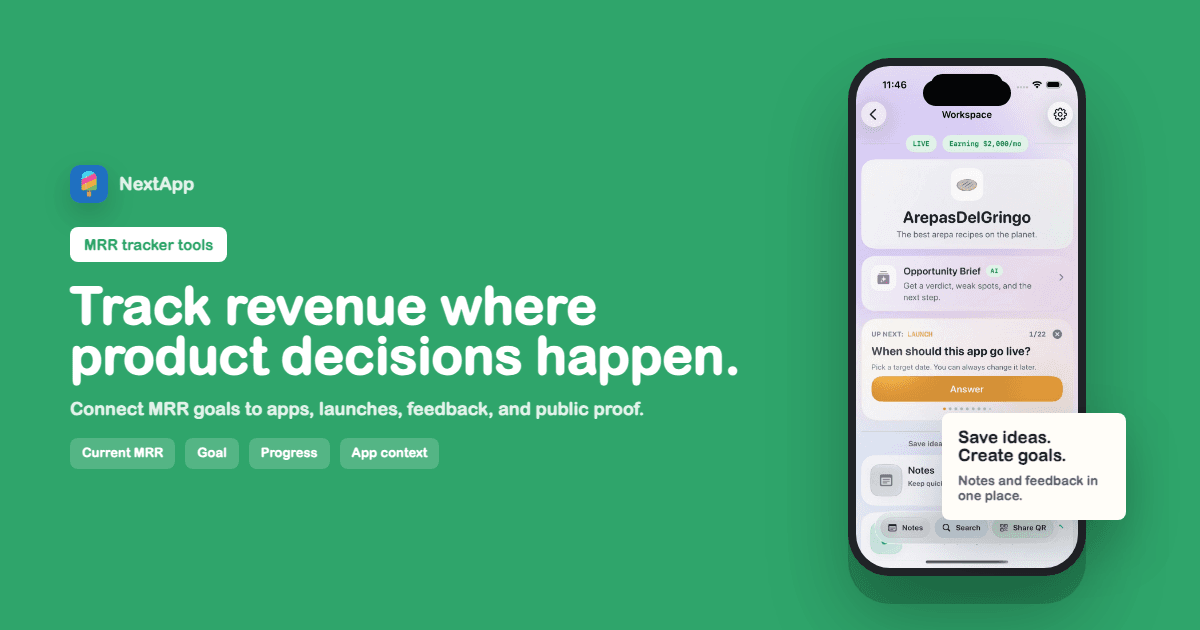
MRR tracker tools are usually treated like finance dashboards. For indie app builders, they need to do another job too: connect revenue to product context. A number by itself can tell you whether revenue went up. It cannot tell you which app shipped, which launch post worked, which feature changed conversion, or whether the app still deserves your time.
Monthly recurring revenue is useful because it turns vague momentum into a visible line. But the best MRR tracker for a solo builder is not just a chart. It is a lightweight operating record: current MRR, target MRR, app status, recent update, feedback, and the next decision.
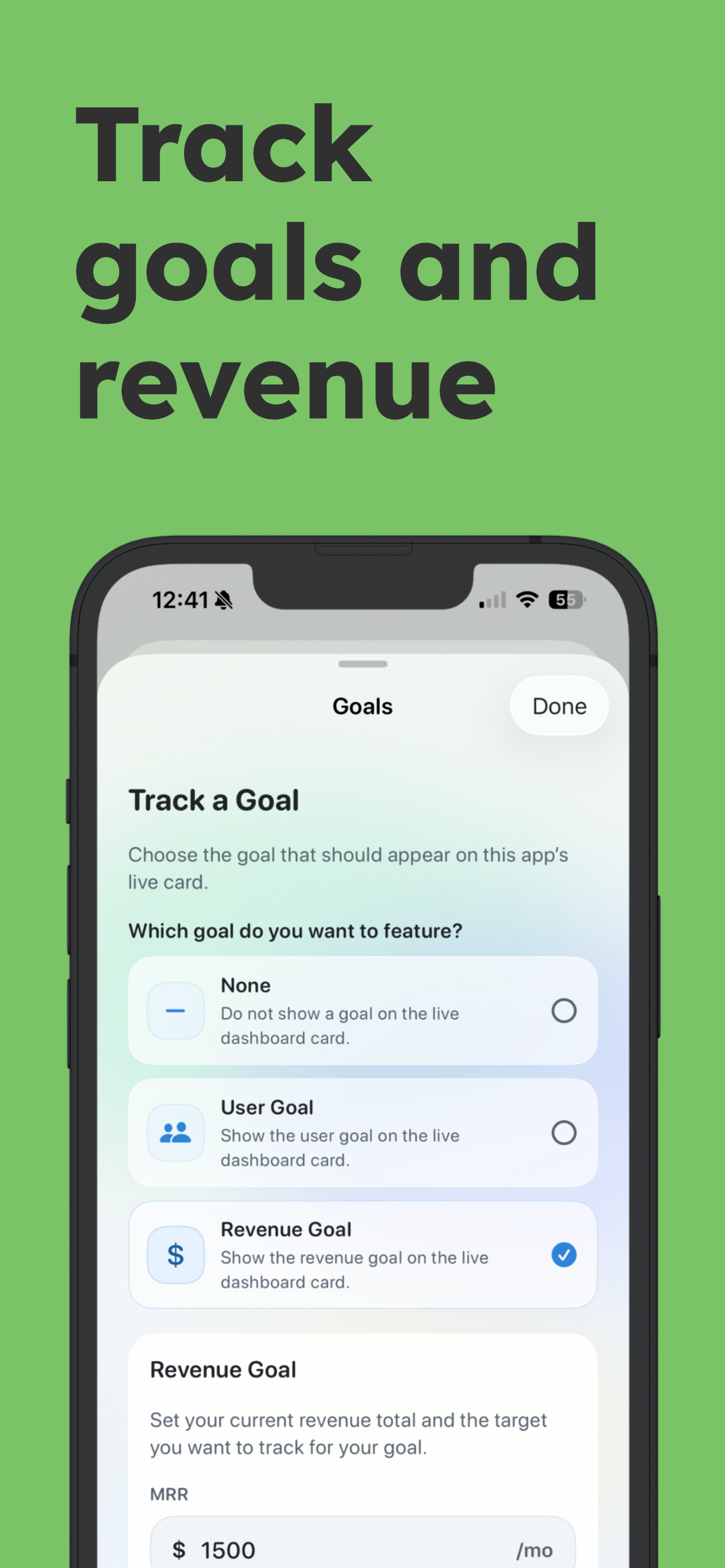
Screenshot: NextApp lets a maker choose a revenue goal, enter current MRR, and show progress on the app card.
What to track besides the MRR number
Track current MRR, target MRR, percentage progress, pricing notes, launch dates, major product changes, and the app that owns the number. If you only track the total account revenue, you lose the connection between revenue and product decisions. That is especially painful when you run multiple small apps.
An app-level revenue record answers better questions: Which app is growing? Which app stalled after launch? Which archived app still matters? Which idea has enough signal to become a live product? This is why MRR belongs next to app status and goals, not only inside Stripe or a spreadsheet.
Private tracking vs public revenue proof
Not every revenue number needs to be public. Some builders share MRR because it creates accountability and trust. Others keep revenue private and only show app status. A good MRR tracker should separate the private record from the public maker page. You should be able to track the real numbers without accidentally publishing anything you did not mean to share.
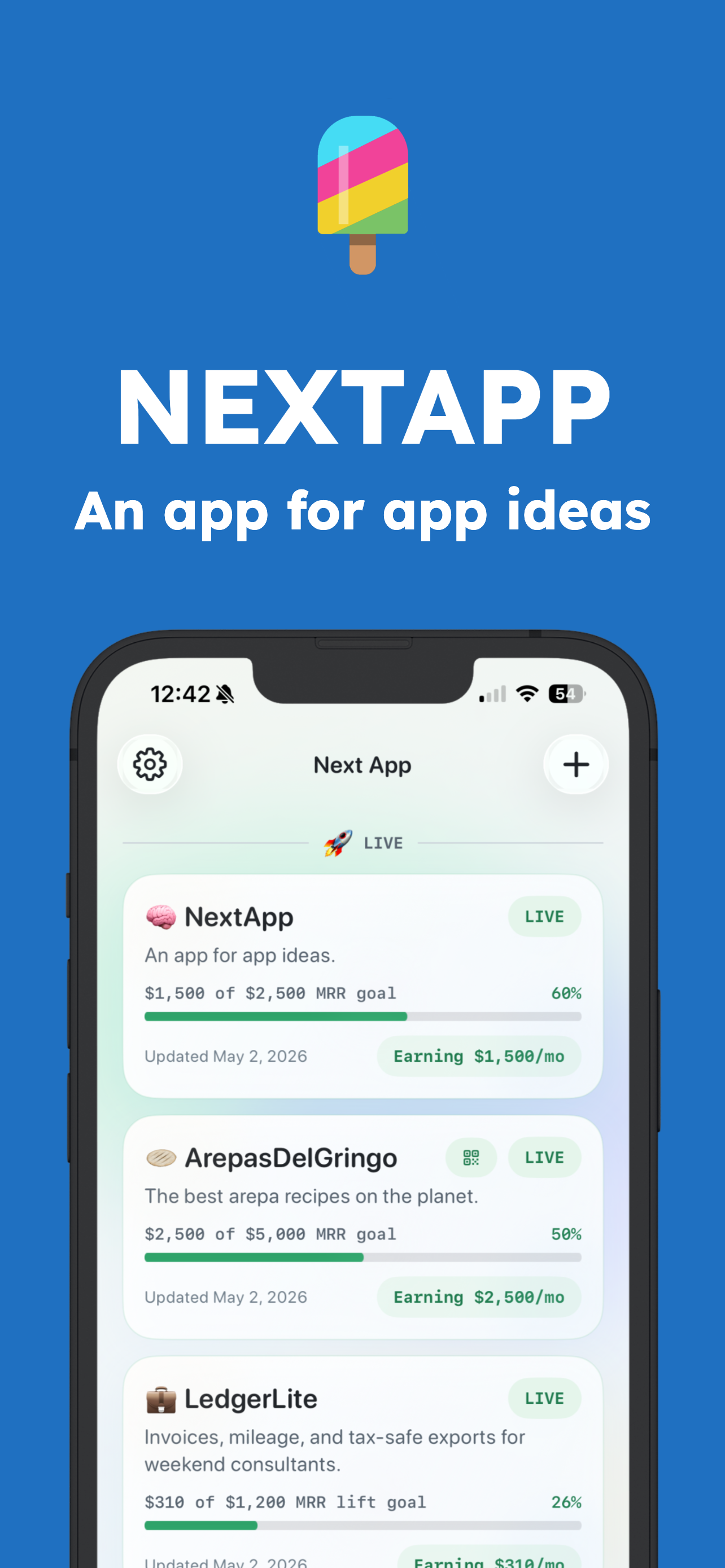
Screenshot: live app cards can show MRR progress beside app status, QR sharing, and the latest update.
How to use an MRR tracker in a weekly review
- Update current MRR for each live app.
- Check progress against the app-level goal, not only the total maker profile goal.
- Add one note explaining what changed since the last update.
- Compare revenue movement with feedback and launch activity.
- Decide whether to keep building, adjust pricing, improve onboarding, or archive the app.
MRR tracker tool checklist
- Tracks current MRR and target MRR per app.
- Supports multiple apps without collapsing context into one total.
- Shows progress visually enough to understand at a glance.
- Lets builders decide which revenue signals are public.
- Links revenue to feedback, launch notes, and app status.
- Creates shareable public proof when build-in-public is part of the strategy.
NextApp connects MRR tracking to the profile builder, so revenue can appear on a public maker page when you want it. If you are building in public, pair this with the build in public guide so the number has a story around it.
Revenue tracking is not about making every app feel like a company dashboard. It is about making progress visible enough that you stop guessing. For indie builders, that visibility is often the difference between continuing the right project and quietly drifting into the next shiny idea.