
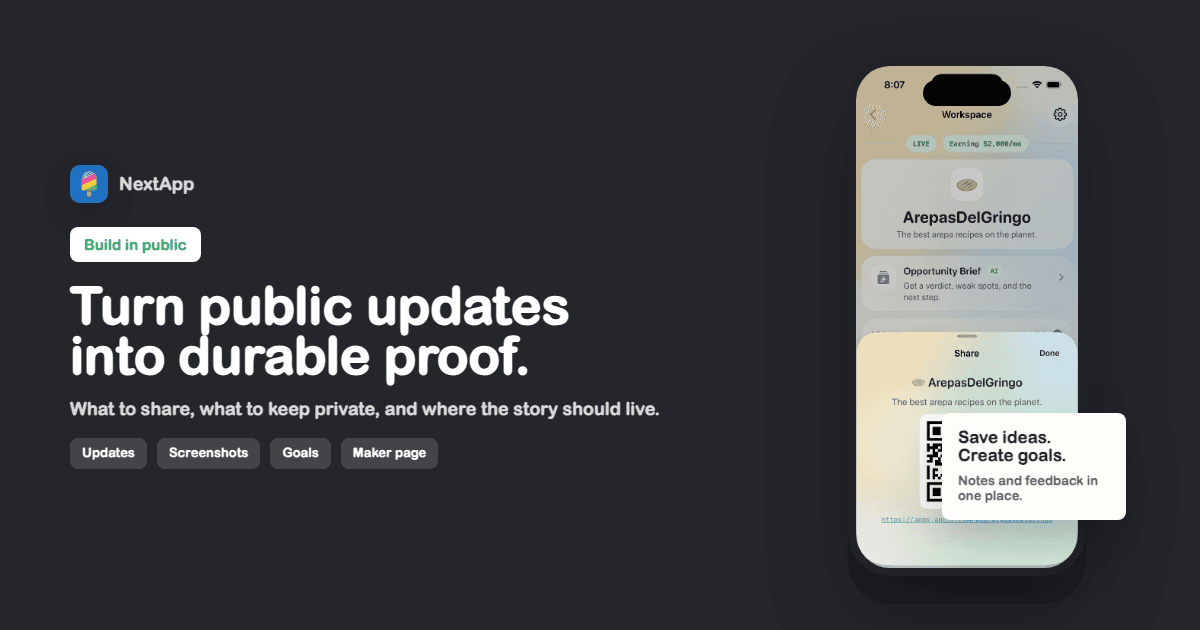
Build in public means sharing the useful parts of your product journey while the product is still changing. It can include app ideas, screenshots, launch notes, revenue goals, failures, feature decisions, customer feedback, and what you are trying next. The point is not to perform constant transparency. The point is to make progress visible enough that people can follow, trust, and help the work.
The strongest build-in-public practice has two layers. Social posts create timely momentum. A maker page creates durable context. Without the page, every post has to re-explain who you are and what you have shipped. With the page, each update can point back to a structured home for the work.
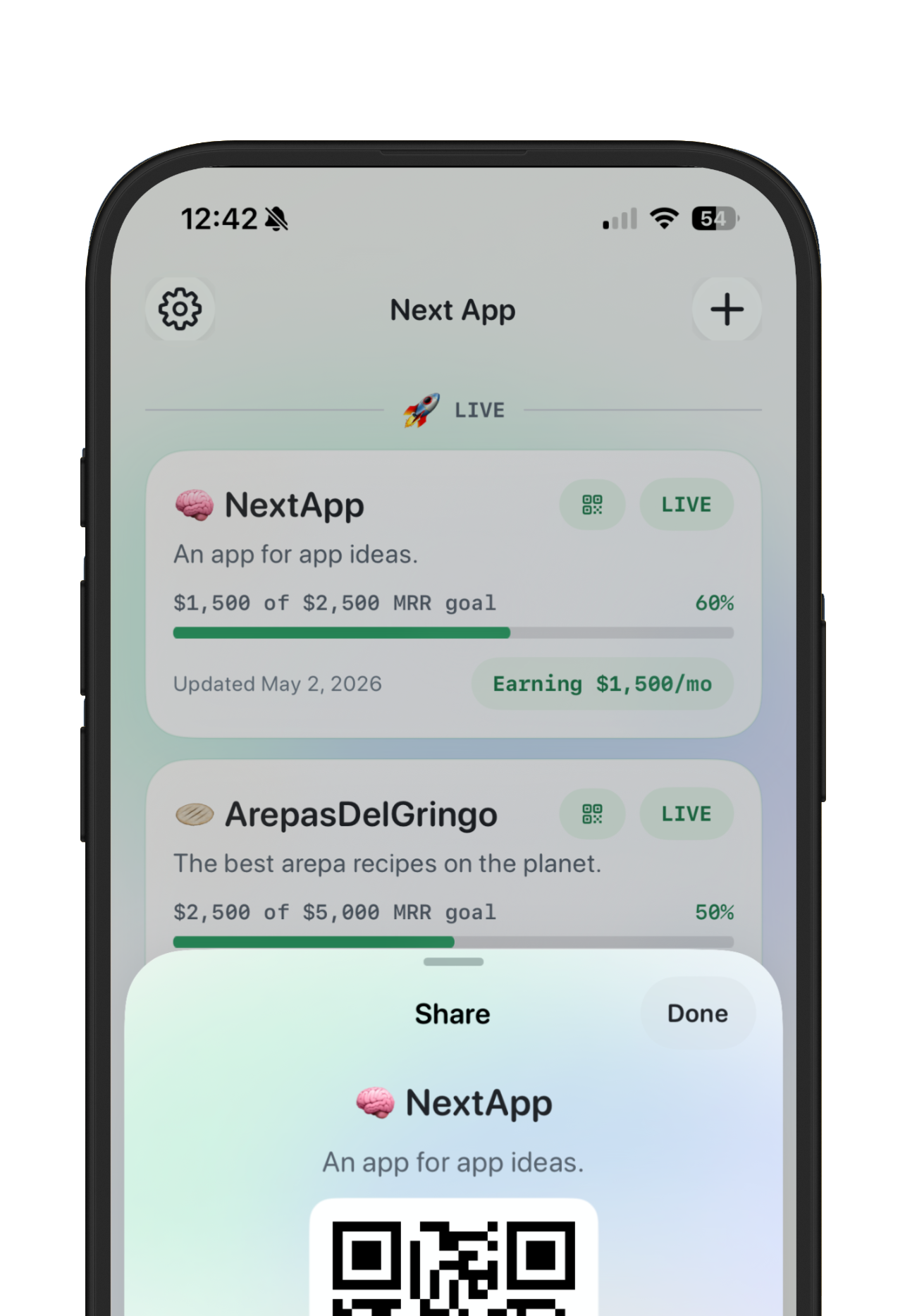
Screenshot: a build-in-public update should have a durable destination, not just a post that disappears down the feed.
What to share when building in public
Share decisions, evidence, and progress. A good post might explain why you cut scope, what a user said, how revenue changed, what the next milestone is, or how a screenshot evolved. A weak post only says you are grinding. People follow useful specificity.
You do not need to reveal everything. Private customer details, unreleased strategy, security issues, and fragile personal context can stay private. Build in public works best when it is honest without being reckless.
A simple build-in-public cadence
- Weekly progress: one screenshot, one decision, one next step.
- Launch moments: what shipped, who it helps, and where to try it.
- Signal updates: revenue, users, waitlist, feedback, or retention when the number is meaningful.
- Reflection posts: what worked, what failed, and what you would do differently.
Why a maker page matters
Social platforms are great for discovery and weak for memory. A maker page gives every update a home. It can show live apps, ideating projects, archived outcomes, MRR progress, and links in one place. That makes the public story easier to understand when someone meets you halfway through the journey.
A good public page should connect to your maker profile builder, show optional MRR tracking, and make the next action obvious.
Build-in-public mistakes to avoid
- Sharing only polished wins, which makes the story less useful.
- Posting every tiny action, which turns the feed into noise.
- Changing public goals too often, which makes progress hard to follow.
- Hiding the app link or maker page, which wastes attention.
- Treating revenue as the only proof, even when feedback or usage is the better signal.
Build in public checklist
- One public maker page for durable context.
- One primary goal for each live app.
- One update cadence you can maintain.
- Clear boundaries for what stays private.
- Internal links from updates to app pages, revenue goals, and launch notes.
- Screenshots that show actual product progress.
Build in public is important because trust compounds. The first update may not convert anyone. The tenth update may help someone understand your taste, consistency, and judgment. The maker page gives that compounding story a place to land.