
A Notion-style app idea tracker template works best when it behaves like a product decision database, not a dumping ground. The goal is to keep every idea light at first, then add structure only when the idea earns more attention.
You can use this structure in Notion, a spreadsheet, or a dedicated tool like NextApp. The shape matters more than the app you use. Keep it short enough that you can fill it in from your phone.
What the record should remember
- Name: the working title of the app idea
- Promise: one sentence describing who it helps and what changes
- Target user: the first specific person or group who would care
- Evidence: quotes, links, screenshots, pain points, or search demand
- First version: the smallest useful release
- Goal: the signal that would make the idea worth continuing
- Status: inbox, researching, building, live, paused, or archived
- Feedback: reactions and requests attached to the idea
- Links: prototype, repository, live app, App Store page, or landing page
Views to create
Create one view for raw inbox ideas, one for ideas in research, one for active builds, and one for live apps. A Kanban board can help, but a simple table is often better for weekly review because you can scan the promise, user, evidence, and goal at once.
What to avoid
Avoid adding twenty columns before you know whether an idea matters. Heavy templates feel productive, but they make capture slower. Start with the details that help you make a build decision. Add deeper notes only when the idea moves into research or building.
Weekly review checklist
- Archive weak ideas that no longer have a clear user
- Promote ideas with real evidence into research
- Add one next action to active ideas
- Update goals for live apps
- Move shipped apps to a public-ready view when you want to share them
When to move beyond a template
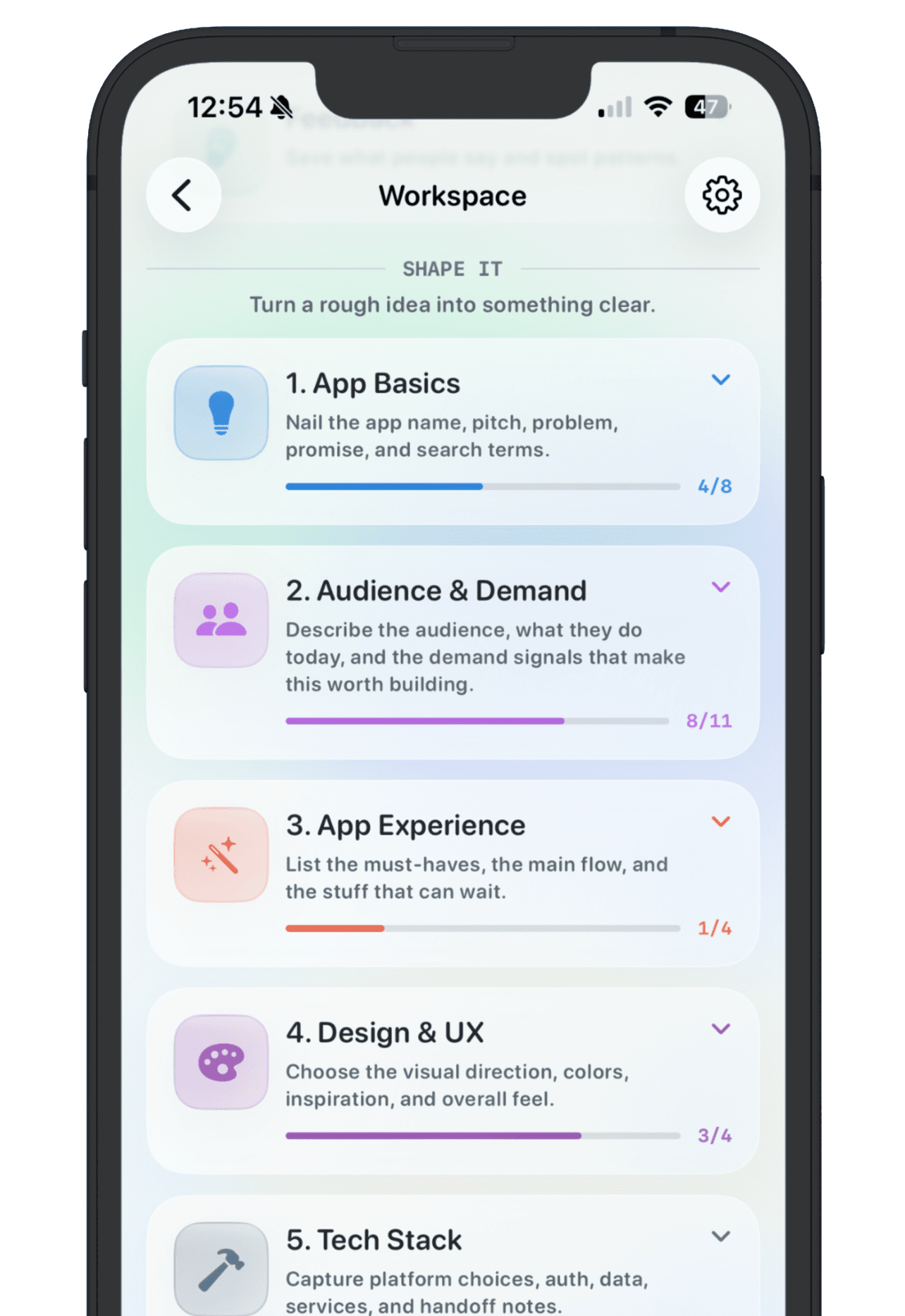
A template is great until each app needs its own planning surface. Once ideas collect feedback, goals, notes, screenshots, and public updates, a dedicated app workspace becomes cleaner than a single Notion table.
NextApp follows the same template logic but gives each app idea its own workspace, plus the option to turn shipped apps into a public maker page. You can start with the template, then move serious ideas into a tool built for app builders.