
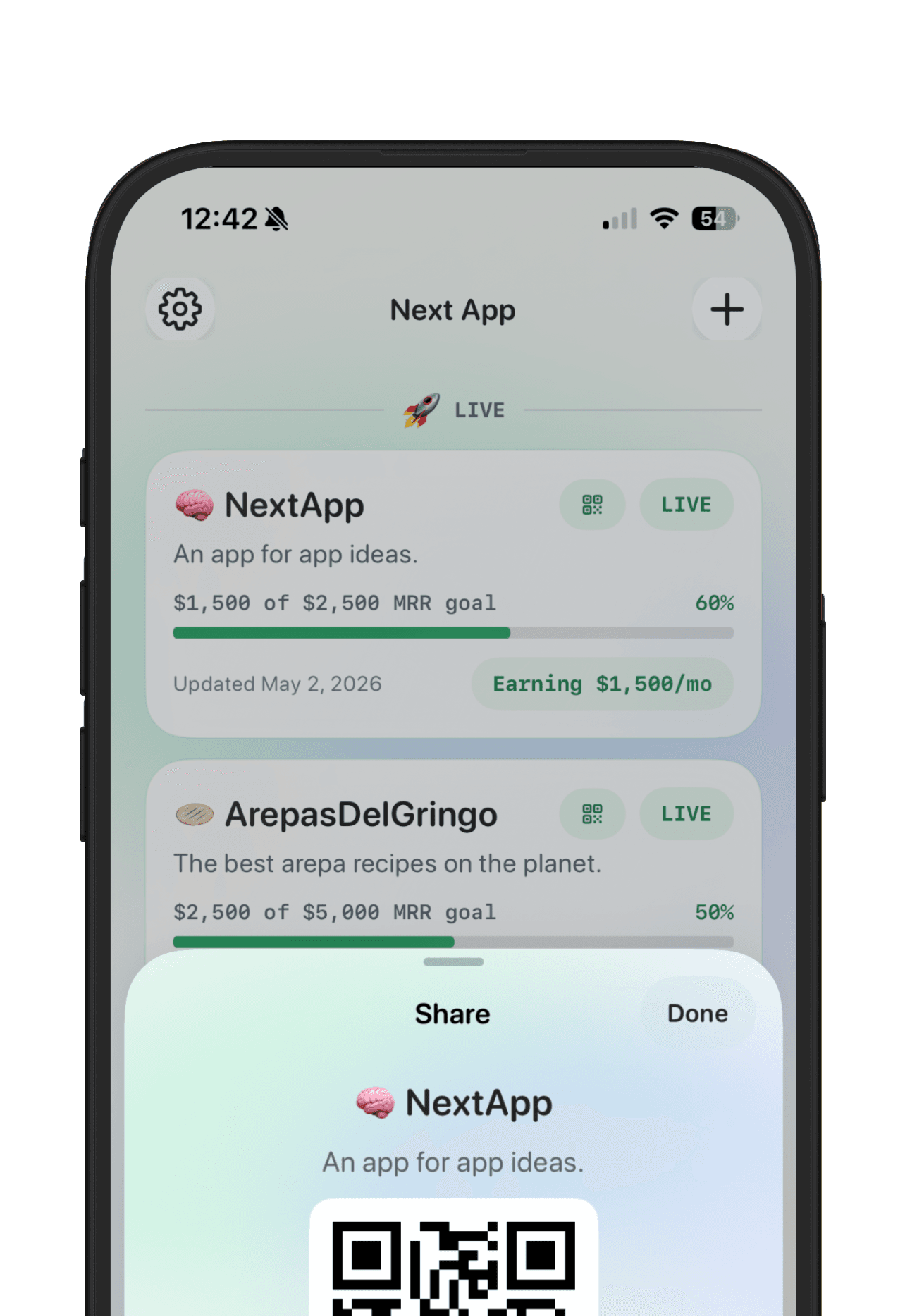
A build-in-public page is a home base for the apps you are willing to show. It is not a private roadmap and it is not a generic link page. The best examples make it easy to understand who is building, what apps are live, what progress looks like, and where someone can try or follow the work.
If you are designing a public maker page for an indie app portfolio, include the parts that help strangers understand momentum quickly.
Builder identity
Start with the builder. A name, handle, short bio, avatar, and location can make the page feel human. People follow builders when they understand the person behind the apps.
Live app cards
Each app card should make the app name, promise, status, and primary link obvious. If the app is live, link to the product, App Store page, or waitlist. If it is still in progress, make the status clear instead of pretending it is finished.
Progress signal
A public page gets more useful when it shows a signal: monthly revenue goal, user goal, launch milestone, latest update, or customer proof. You do not have to share everything. Share the signal that explains momentum.
Latest update
A stale maker page feels abandoned. Add a short update that says what changed recently: launched a beta, added onboarding, reached a revenue milestone, collected feedback, or paused the app for a clearer next version.
Private notes stay private
Build in public does not mean exposing everything. Keep strategy notes, messy feedback, revenue details, and experiments private unless you choose to share them. The public page should show enough to create trust without turning into an open notebook.
A simple page structure
- Header with builder name and short bio
- Featured app with status and primary link
- Live apps or active builds
- Goal or progress signal for each app
- Latest update
- Optional revenue, user, or launch proof
NextApp maker pages are built from the app workspaces you already maintain. That means your public page can show the polished pieces of your builder journey while your private app planning stays organized behind the scenes.