
A spreadsheet is one of the fastest ways to get app ideas out of your head. Rows make ideas comparable, columns force decisions, and sorting can reveal which ideas have signal. The danger is adding too many columns until the spreadsheet looks complete but does not help you choose what to build.
Use this template when your app ideas are still in the comparison stage. Keep it short enough that you can fill in a new idea in a minute or two.
What belongs in the first pass
- App name
- One-sentence promise
- Target user
- Problem evidence
- Status
- First version
- Validation goal
- Feedback notes
- Launch or app link
Use plain statuses
Use statuses that match real decisions: Inbox, Researching, Building, Live, Paused, and Archived. Avoid clever status names that make sorting harder. The point is to see where every idea sits and what deserves attention next.
Keep scoring lightweight
If you want scoring, use three numbers: pain intensity, ability to reach the user, and build confidence. A simple one-to-five score is enough. Do not build a fake precision model for ideas that still need evidence.
Add evidence, not just opinions
The most useful spreadsheet column is often problem evidence. Paste a quote, link, screenshot note, search term, support request, or personal repeated pain. Evidence helps separate ideas that sound good from ideas that keep showing up.
Know when the spreadsheet is done
A spreadsheet is great for comparing many early ideas. It gets weaker once one idea starts collecting feedback, goals, launch assets, app links, screenshots, and public updates. At that point, a single row is no longer enough context.
When to move into a tracker
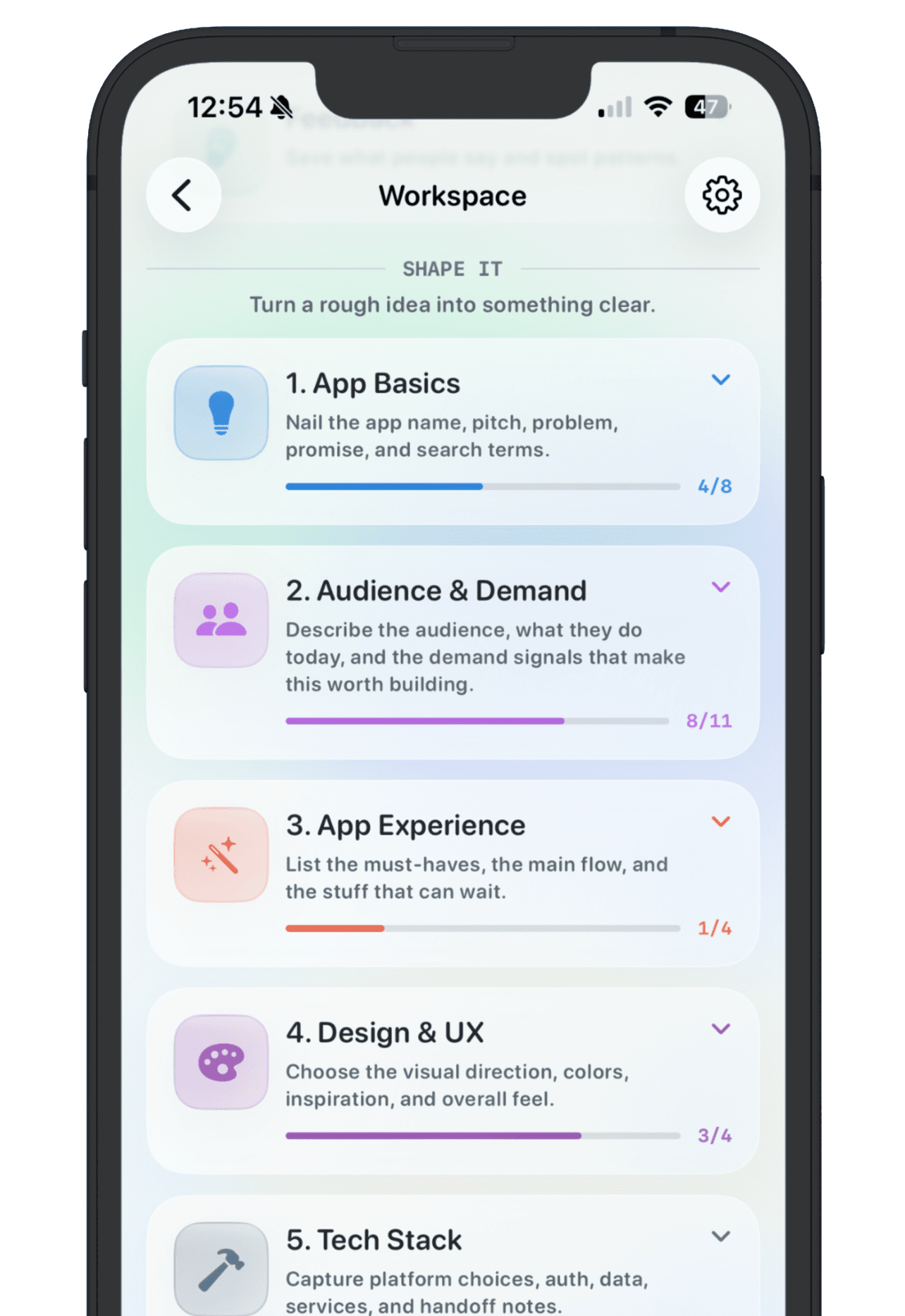
Move the idea out of the spreadsheet when it becomes an active app. Active apps need a workspace, not just a row: notes, goals, revenue or user targets, feedback, links, and a launch record.
NextApp can take over at that point. Keep the spreadsheet for broad comparison if you like, then give serious apps a dedicated workspace where the details do not have to fit inside cells.