
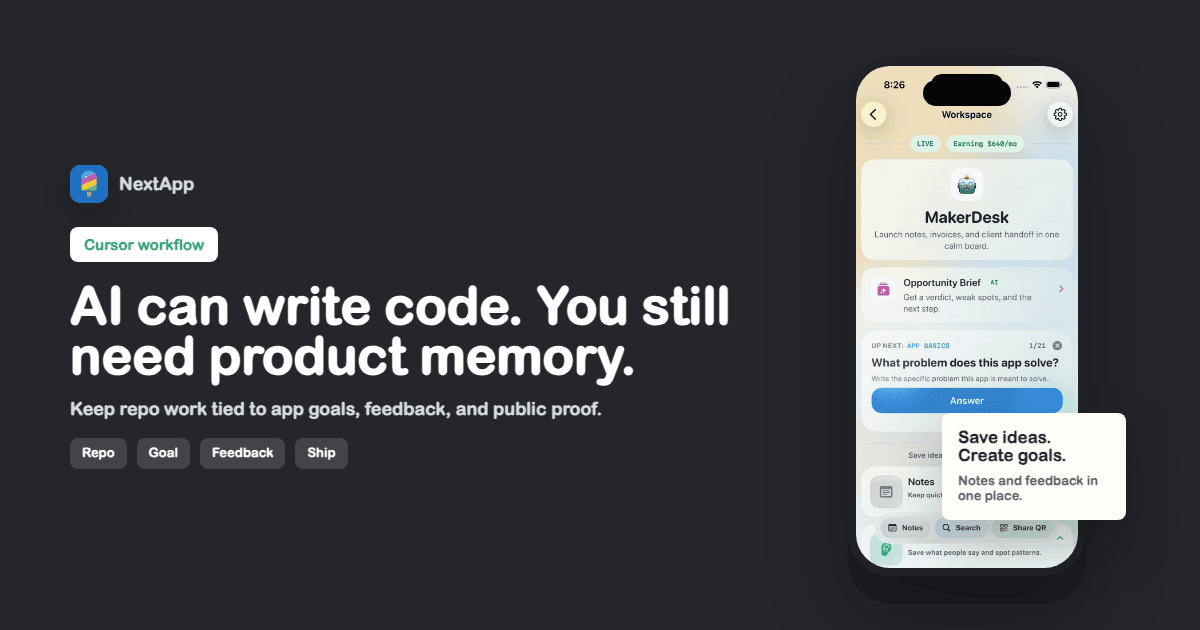
Cursor is powerful once an app idea becomes code. That is also when product context can get lost. A repo does not tell you why the feature matters, who asked for it, or what launch signal you are trying to create.
A Cursor project tracker gives the code work a product home: goal, status, notes, feedback, and public profile state.
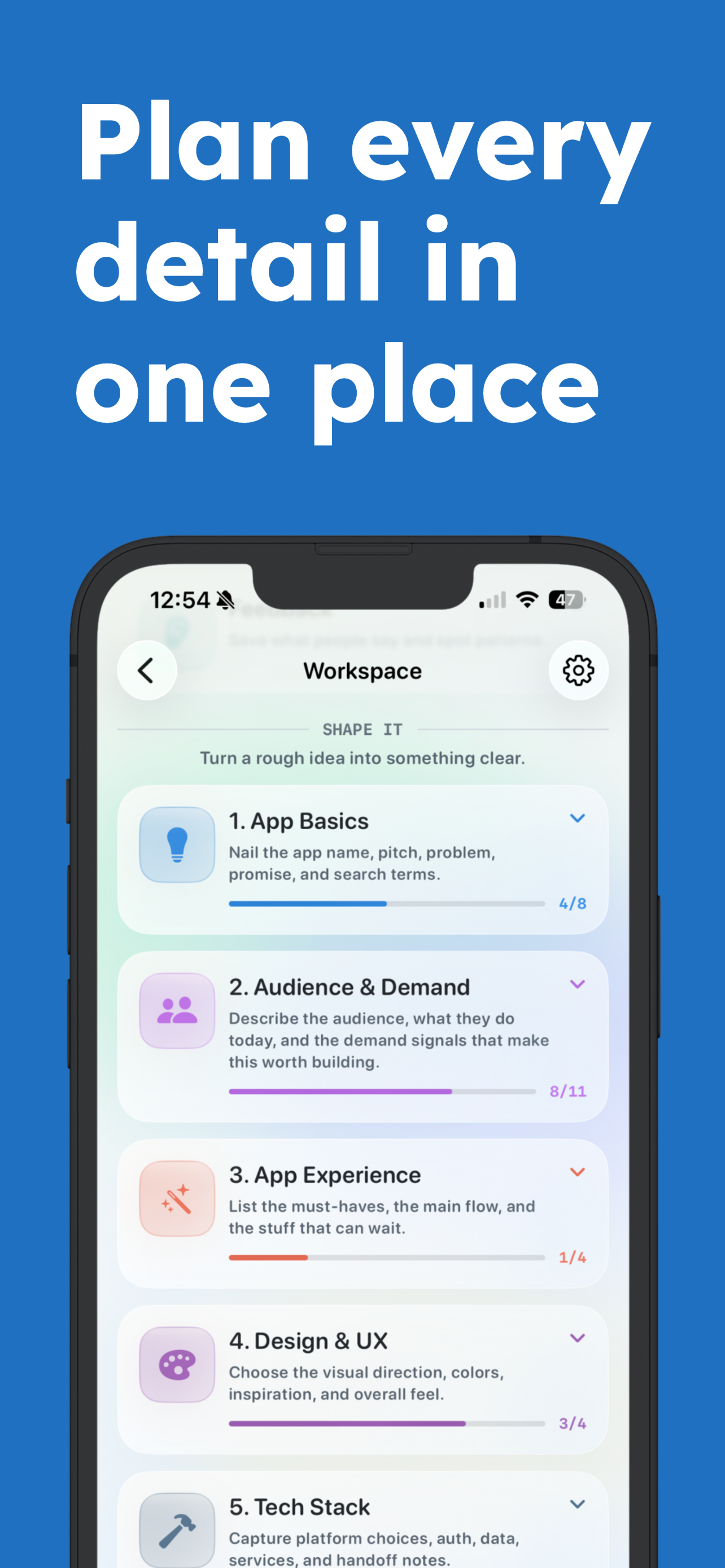
Cursor can help with the code. The tracker keeps the product decision visible.
Track the app, not every task
You do not need a second issue tracker. Keep the product-level record: what the app is, why this change matters, and what signal will prove it worked.
Save the decision behind major code work
AI coding can make implementation feel cheap. The decision is still expensive. Save why you asked Cursor to build something, not only what changed.
Connect feedback to the repo work
When feedback leads to a change, attach the note to the app record. Later, you can see whether the build work came from a real pattern or founder anxiety.
Move shipped work to the public page
Once the app is live, the public maker page should show the app status and proof. Code commits are not the public story. The product is.
Cursor project tracker checklist
- App goal is written outside the repo.
- Major code work has a product reason.
- Feedback links to the app record.
- Launch status is visible.
- Public profile updates when the app ships.
Keep going with Cursor app ideas, Cursor app ideas guide, task board vs project tracker.