
An App Store launch can fail quietly because a small detail is missing: the positioning is vague, the screenshots do not explain the app, support links are not ready, analytics are missing, or there is no plan for the first feedback. A checklist helps you make launch day calmer.
This is not a replacement for the current App Store Review Guidelines or App Store Connect requirements. Use those official sources for final compliance. Use this checklist to organize the product and marketing pieces around the launch.
1. Product promise
Write the product promise in plain language. If a stranger only reads the title, subtitle, and first screenshot, they should understand who the app helps and why it exists.
2. Store listing details
Prepare the app name, subtitle, description, keywords, category, support URL, marketing URL, privacy URL, and any promotional text you plan to use. Keep the final copy in one workspace so it is easy to revise.
3. Screenshots and preview assets
Screenshots should explain the outcome, not just show the UI. For an app idea tracker, that might mean showing quick capture, app workspaces, goals, feedback, and public maker pages. Each image should answer a user question.
4. Support and trust links
Make sure support, privacy, and terms links work before submission. If your app has account creation, payments, or user-generated content, be extra careful that the support path is easy to find.
5. Analytics and feedback
Before launch, decide what you need to learn. Track enough usage to see whether people reach the key action, and provide a simple way for users to send feedback. The first version is a learning version.
6. Launch goal
Set one measurable goal for the first launch window. It may be modest: first 25 users, first 5 feedback notes, first paying customer, or first public review. A clear goal makes the next decision easier.
7. Public launch page
A public maker page gives people a link that explains the app outside the store. It can show the app status, latest update, goal, and the person building it. This is useful for social posts, communities, and follow-up conversations.
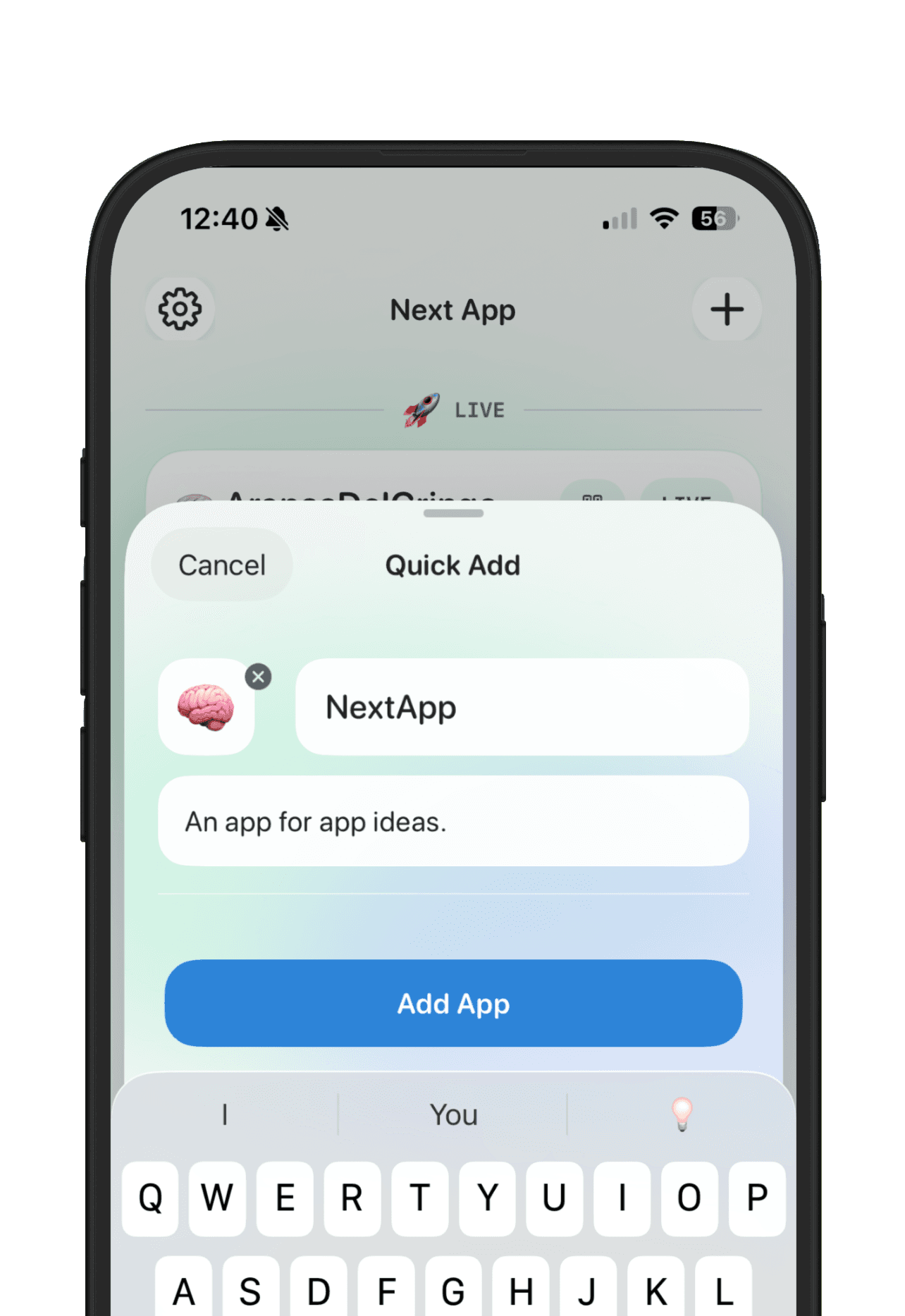
NextApp helps keep the App Store launch pieces together: the idea, positioning, goals, feedback, launch links, and public app page can all live with the app instead of being scattered across notes and tabs.